How long does the Meta Quest 3 battery last?
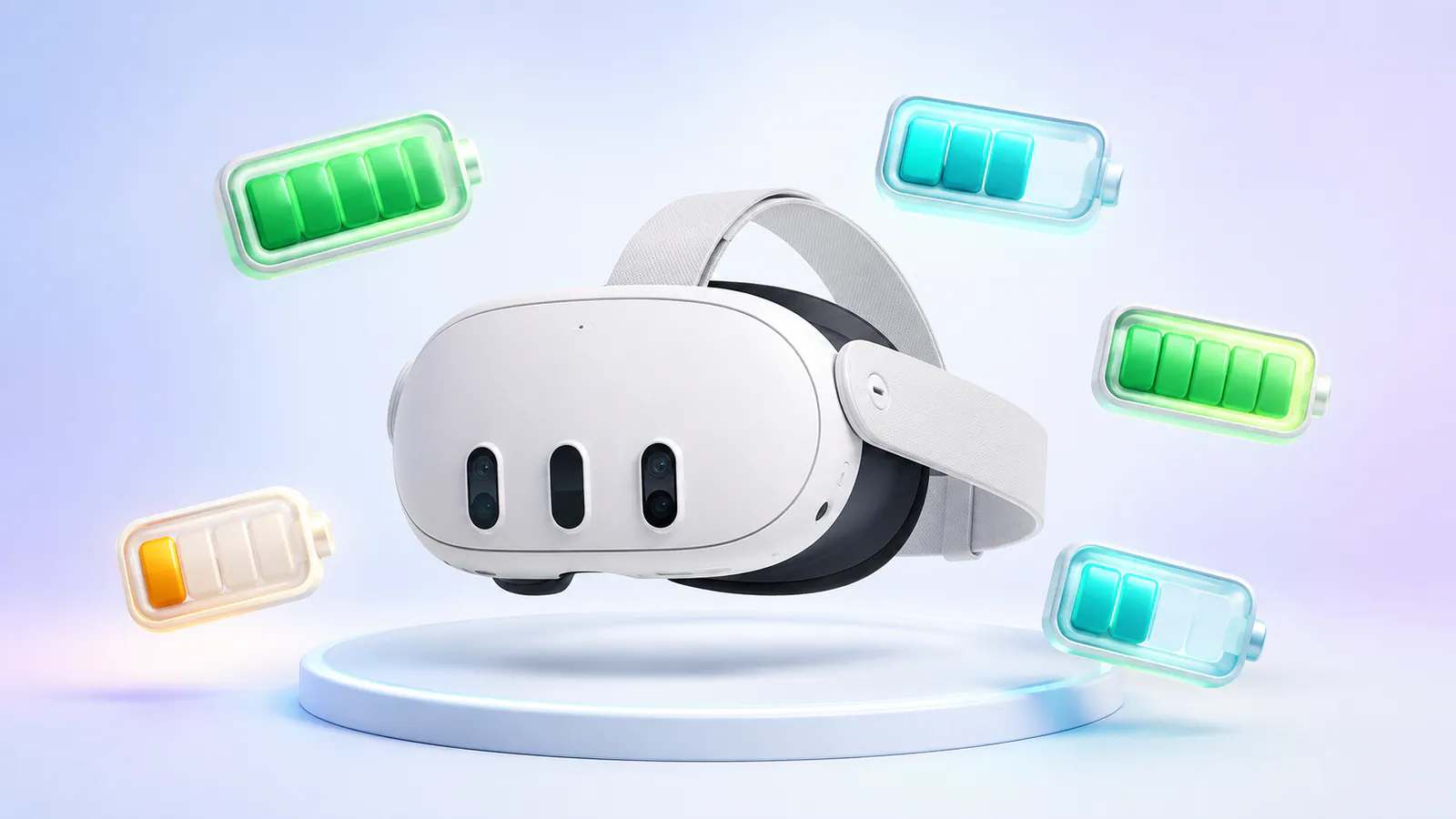
Meta lists approximately two hours of battery life for Quest 3 and 2.5 hours for Quest 3S. Real runtime depends on the game, display brightness, refresh rate, passthrough, casting, downloads, and PC VR streaming. A normal gaming session can fit inside that window, but long multiplayer, fitness, development, or social VR sessions usually need a battery strap or USB-C power bank.
| Headset | Official approximate battery life | Current US price | Buy from Meta |
|---|---|---|---|
| Meta Quest 3 512 GB | About 2 hours | $599.99 | Shop Quest 3 through Duuro |
| Meta Quest 3S 128 GB | About 2.5 hours | $349.99 | Shop Quest 3S through Duuro |
| Meta Quest 3S 256 GB | About 2.5 hours | $449.99 | Shop Quest 3S through Duuro |
The headset links are affiliate links, so Duuro may earn a commission from an eligible purchase at no additional cost to you. Eligible new-headset purchases can include $30 in Quest Cash. Confirm the live offer and final price before paying.
Official battery estimates come from Meta's Quest device comparison. They are useful reference points, not promises for every app and setting.
Why Quest 3 battery life changes between games
A Quest headset is running displays, cameras, tracking sensors, wireless radios, spatial audio, and a mobile processor at the same time. A simple media app and a demanding mixed-reality game do not place the same load on that system.
Battery life usually drops faster when you:
- Play a graphically demanding standalone game.
- Use full-color passthrough or mixed reality continuously.
- Increase display brightness.
- Run at a higher refresh rate.
- Cast or record gameplay.
- Download updates in the background.
- Stream PC VR over Wi-Fi.
- Use the headset while it is warm or managing a heavy sustained workload.
Meta's developer documentation explains that Quest dynamically balances performance, temperature, and battery use. Higher CPU and GPU levels create more heat and consume more power, while the operating system can reduce performance when battery or thermal conditions require it.
Quest 3 vs Quest 3S battery life
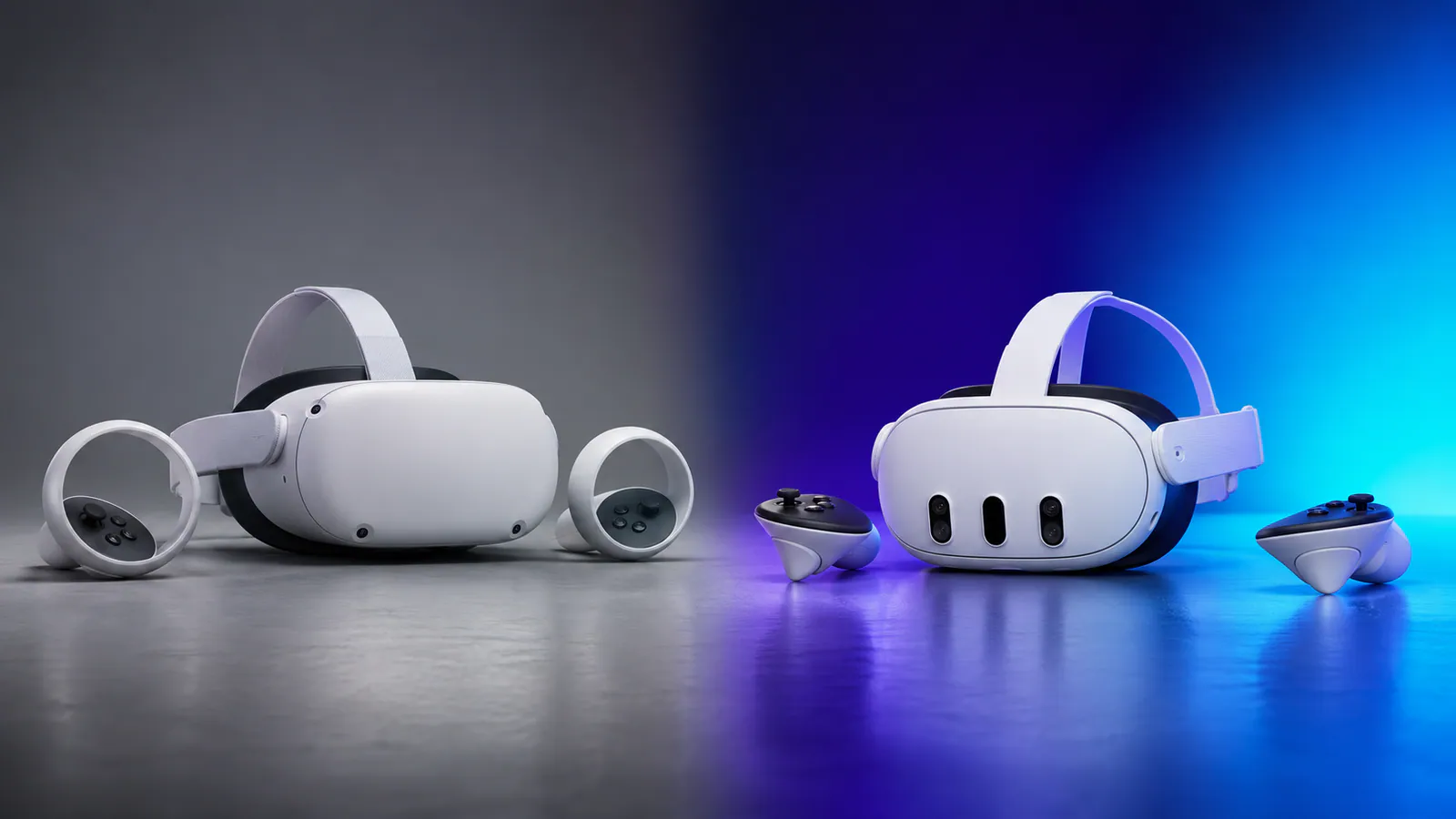
Quest 3S has the longer official estimate despite being the cheaper model. Its lower-resolution physical display and different hardware balance help it reach roughly 2.5 hours, compared with about two hours for Quest 3.
That does not make Quest 3S better overall. Quest 3 has pancake lenses, a sharper display, a wider field of view, continuous IPD adjustment, a depth sensor, and 512 GB of storage. Battery life is one category where the less expensive headset has the advantage.
If you are still choosing between them, use our Meta Quest 3 vs Quest 3S interactive buyer chooser. Our Quest 3 review and Quest 3S review explain the wider value tradeoff.
How to extend Meta Quest 3 battery life
Turn on Battery Saver
Meta's Battery Saver setting is under Settings > General > Power. Meta says the mode lowers display brightness to 40%, selects a 72 Hz refresh rate, applies fixed foveated rendering level 3, and disables some CPU and GPU frequency boosts.
Those changes can extend runtime, but they also reduce visual quality and maximum smoothness. Battery Saver makes the most sense for media, slower games, menus, or situations where finishing the session matters more than getting the best image.
Lower brightness manually
Display brightness is one of the easiest settings to change without buying anything. Reduce it until the image remains comfortable in the headset. Going too low can make dark scenes harder to read, so treat this as a small efficiency adjustment rather than a competition to reach the minimum.
Stop casting and recording when you do not need them
Capturing video or sending a live view to another screen adds work for the processor and wireless radio. Turn those features off after a demo, stream, or troubleshooting session. They are useful, but there is no reason to leave them running unnoticed.
Finish downloads before playing
Large game and system updates use storage, networking, and processing resources. Let the headset finish installing them while connected to power, then start the game. This also reduces the chance of an update interrupting a session.
Use a battery strap or suitable USB-C power bank
An external battery is the most effective solution for long sessions. A battery strap can improve weight balance by moving some mass behind the head, while a small power bank is easier to reuse with other devices. Look for enough output to keep up with the headset rather than choosing only by advertised capacity.
For straps, grips, facial interfaces, and cases, see our Quest 3 and 3S accessory buying guide.
We tested the Kiwi P5000 Compact Power Bank, which supplies up to 20W and uses two hot-swappable 5000mAh batteries. One pack added roughly two hours in our use, and swapping between the pair removed the normal charging interruption.
Take breaks instead of treating endless runtime as the goal
More battery life is useful, but it should not remove common sense. Long VR sessions can become physically tiring, especially in active games. Take the headset off, drink water, check the play space, and let your eyes and body rest. A battery pack solves charging interruptions, not fatigue.
Can you extend Quest 3 battery life while charging?
Yes, Quest 3 and Quest 3S can receive power through USB-C while in use. The important detail is power delivery. A weak port or underpowered cable may slow the drain without keeping the battery level steady. A suitable charger, battery strap, or power bank can extend the session much more effectively.
Keep the cable routed away from your arms and play space. Wired charging makes more sense for seated games, media, development, or cockpit experiences than active room-scale play.
How long does Quest 3 take to charge?
Charging time changes with the power source, cable, temperature, battery level, and whether the headset is in use. The safest planning rule is to charge between sessions rather than relying on a precise minute count.
Use a compatible USB-C charger and avoid covering the headset or charging it in a hot enclosed space. If charging becomes unusually slow, check the cable, power adapter, USB-C connection, and headset temperature before assuming the battery has failed.
Is Quest 3 battery life a deal-breaker?
Not for most people, but it is the least impressive part of the headset. Two hours covers many campaigns, fitness sessions, and multiplayer matches. It becomes frustrating when you want a long social evening, extended PC VR, development work, or several people taking turns.
Quest 3S is slightly better at about 2.5 hours, but neither headset offers all-day wireless use. Factor an external battery into the budget if long sessions are part of the plan.
Buying a Quest headset?
Once you have a headset, code DUURO can provide 10% off eligible Meta Quest games. See the Meta Quest discount guide for current details. The game discount is separate from the headset offer.
Thanks for reading!
Battery estimates and settings are based on Meta's official specifications and Duuro's published accessory testing. Affiliate links may earn Duuro a commission at no extra cost to you.