Handheld gaming.Endless possibilities.

Find your handheld. Build your setup. Take your games anywhere.

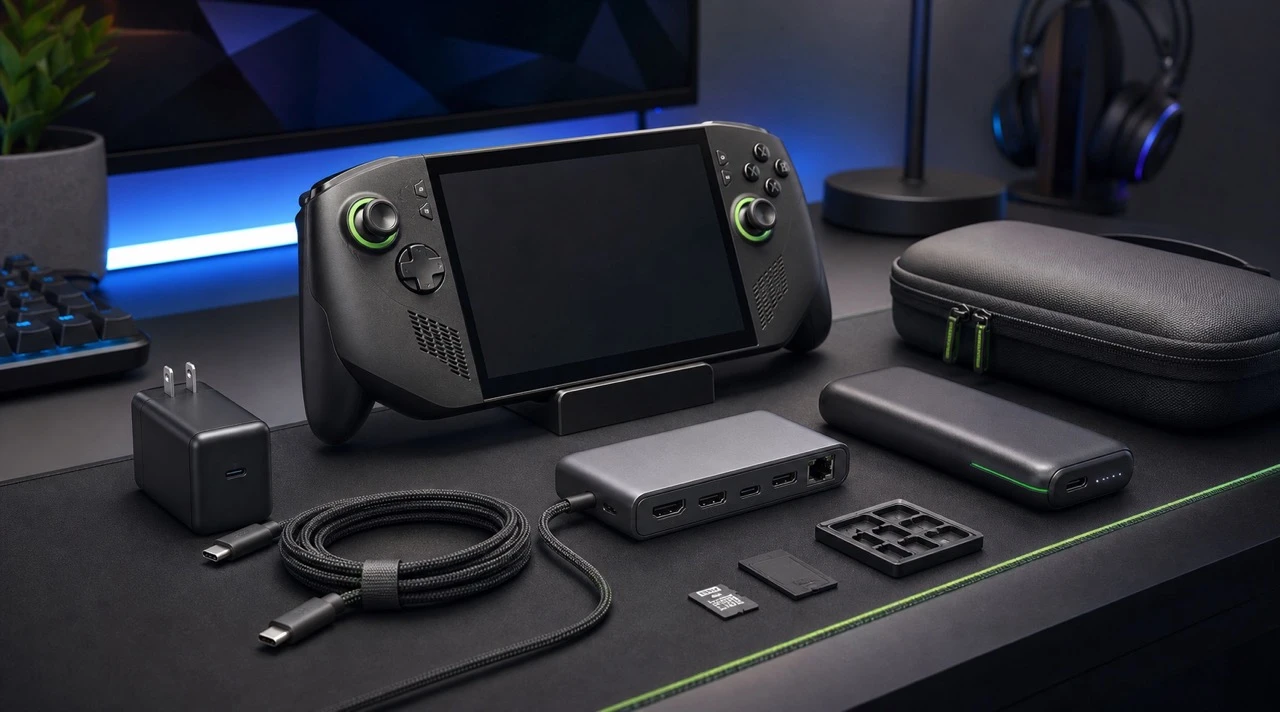
Handheld gaming PC alongside a USB-C charger, dock, power bank and carrying case

Affiliate links: Duuro may earn a commission from qualifying purchases, at no extra cost to you. As an Amazon Associate we earn from qualifying purchases.

First, find your handheld.

Windows freedom, a Steam library or PlayStation streaming. Start with the games you want to play.

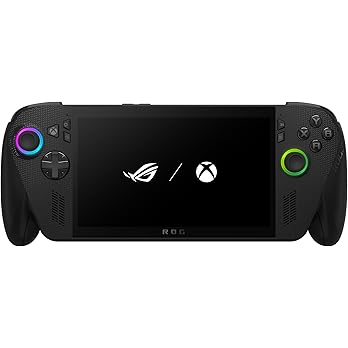
ROG Xbox Ally X handheld gaming device

ASUS · Windows

ROG Xbox Ally X

A Windows handheld for players who want PC Game Pass, Steam and other PC storefronts in one portable setup.

Choose your games first: PC compatibility and performance vary by title. Xbox console purchases do not automatically include a PC version.

View on Amazon
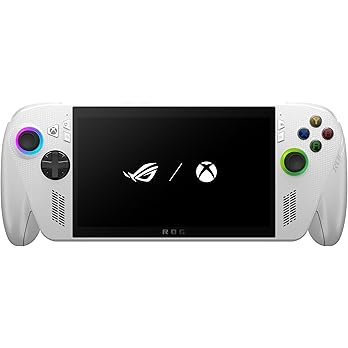
ROG Xbox Ally handheld gaming device

ASUS · Windows

ROG Xbox Ally

The other ROG Xbox option for a Windows game library. Compare its configuration and price with the Ally X before choosing.

Ally and Ally X are different models. Match cases, screen protectors and charging accessories to the exact device.

View on Amazon
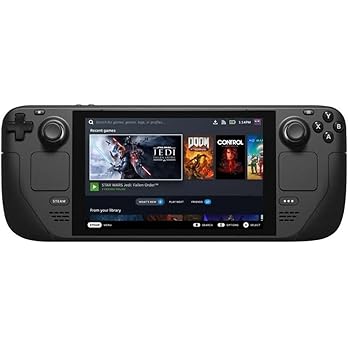
Steam Deck OLED handheld gaming device

Valve · SteamOS

Steam Deck OLED

A SteamOS handheld with an OLED screen and a library-first interface. A natural starting point if most of your PC games live on Steam.

Check Steam Deck compatibility for the games you play. Some launchers, anti-cheat systems and Windows-only apps need extra consideration.

View on Amazon
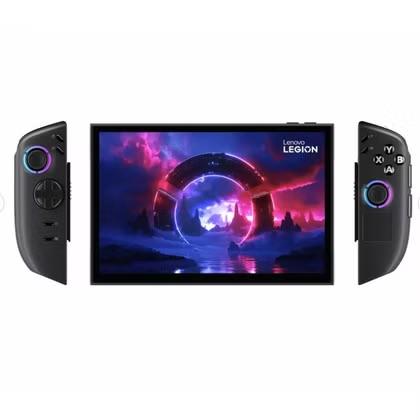
Lenovo Legion Go 2 handheld gaming device

Lenovo · Windows

Lenovo Legion Go 2

A larger-screen Windows option for players who value a more spacious view of their PC games.

Confirm the operating system, processor, storage and regional warranty on the listing. A larger handheld also needs a larger carrying case.

View on Amazon
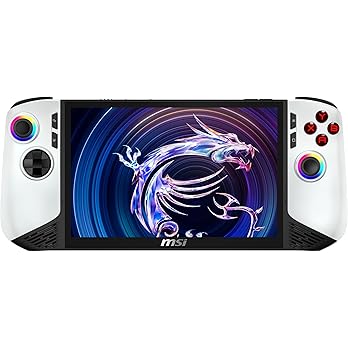
MSI Claw 8 AI+ handheld gaming device

MSI · Windows

MSI Claw 8 AI+

An 8-inch Windows handheld to compare with the ROG and Legion lineups if screen size and PC storefront flexibility matter to you.

Compare the exact configuration and current game performance. Accessories made for a different Claw model may not fit.

View on Amazon
PS Portal handheld gaming device

Sony · PlayStation Remote Play

PlayStation Portal

A dedicated PlayStation streaming handheld for playing supported PS5 games away from the TV.

This is a streaming device. PS5 Remote Play needs a PS5 and a suitable connection; cloud streaming has separate subscription, game and region requirements.

View on Amazon

Compare handheld gaming PCs before choosing accessories. ROG Xbox Ally X, ROG Xbox Ally, MSI Claw and Legion Go offer Windows flexibility; Steam Deck OLED centers on SteamOS. PlayStation Portal serves a different role as a streaming device. Check the exact configuration and regional support on each listing.

Next, make it yours.

Power, protection and a bigger view. Start with what changes the way you play.

Anker charging for home & away.

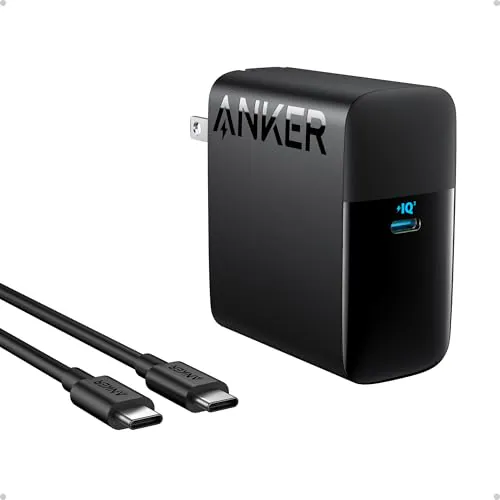
Black Anker 100W wall charger with USB-C charging cable

Wall power · Anker 317

Anker 100W USB-C charger

A straightforward single-port charger for a spare desk or travel setup. Its USB-C output is rated up to 100W, with a cable included.

Your handheld draws only the power it supports. Check the regional plug and the included cable length before choosing a travel setup.

Check on Amazon
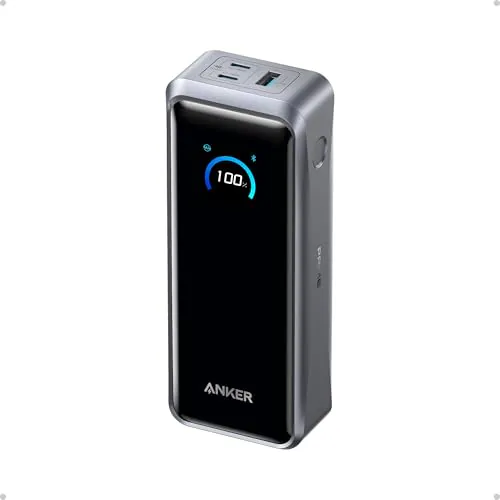
Anker Prime 26K power bank with status display

Travel power · 26,250mAh

Anker Prime 26K power bank

A high-capacity companion for longer trips: 26,250mAh, up to 140W from a USB-C port and a display for checking charging status.

300W is the combined output rating, not the power sent to one handheld. It weighs about 600g; factor that into your travel bag and check your airline’s battery rules.

Check on Amazon
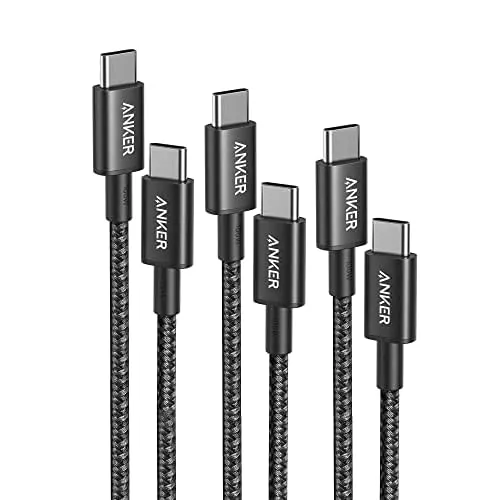
Braided Anker USB-C to USB-C charging cables

Charging cable · USB-C to USB-C

Anker 100W USB-C cable

A spare charging cable keeps your handheld setup ready at the sofa, desk or in your bag. This listing offers a 100W-rated USB-C cable selection.

Select the length and pack you need. A 100W charging rating does not promise video output or fast SSD transfers; use a separately specified video or data cable for those jobs.

Check on Amazon
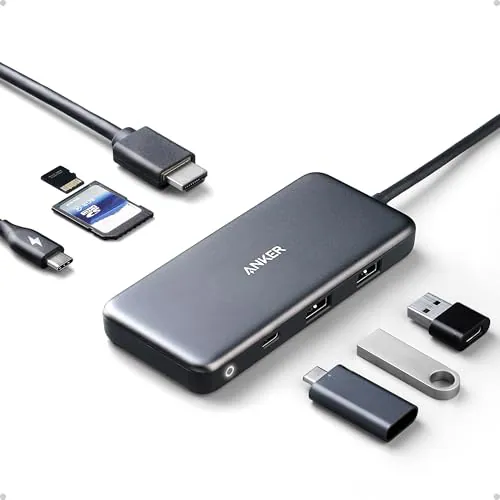
Gray Anker 7-in-1 USB-C hub with HDMI and USB ports

A small port.
A bigger setup.

Add HDMI and peripheral connections without committing to a full desktop dock. A compact option for a monitor, keyboard and mouse setup.

Check the exact HDMI refresh rate and power pass-through on this listing. The host needs compatible USB-C video output; a hub also uses some of the charger’s power.

Explore docking gear

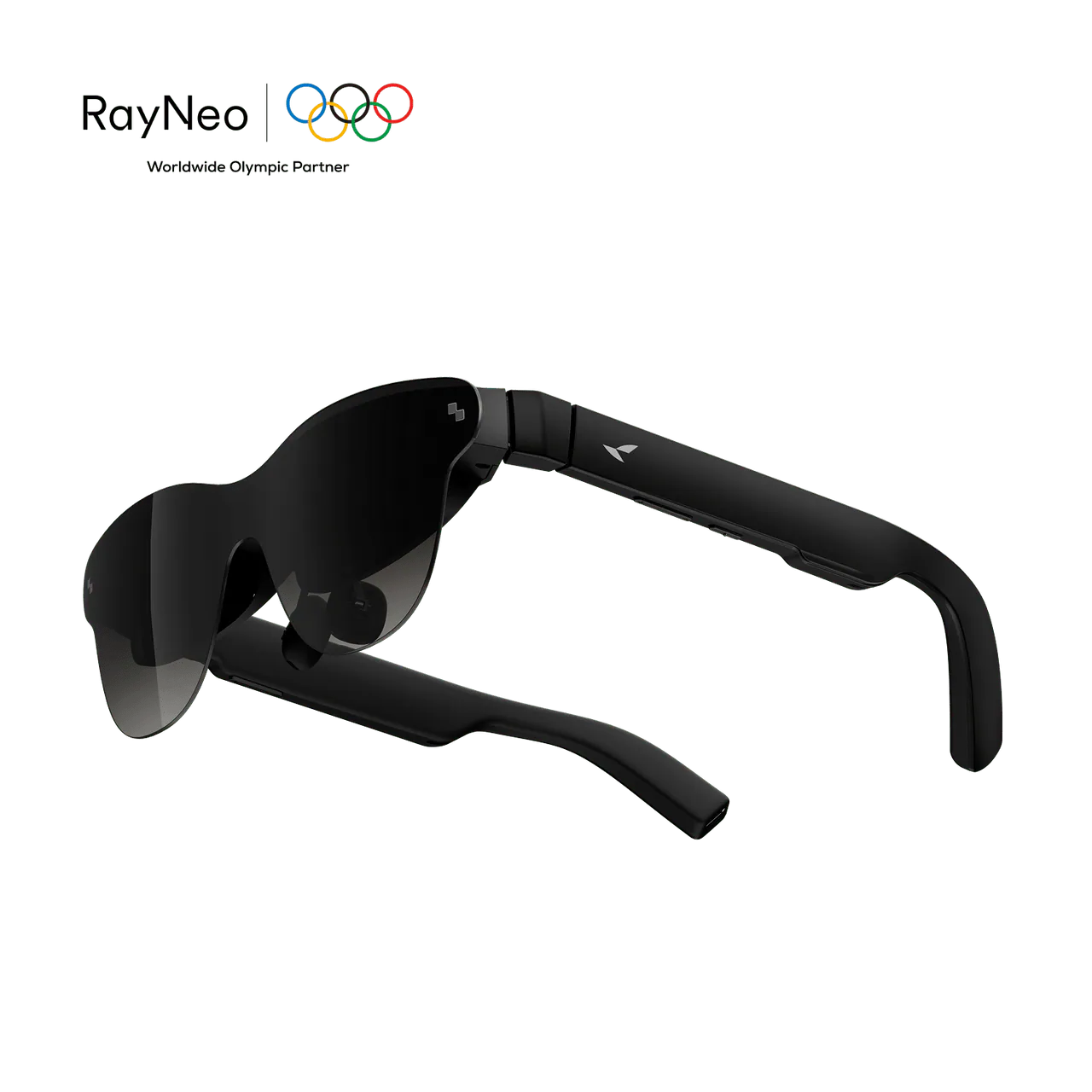
A personal screen, wherever you play.

Explore display glasses for a compatible handheld. Check USB-C video output and charging adapters first.

Buy for the way you play.

01

Start with power.

Use your handheld’s original charger as the baseline. A spare charger and rated cable reduce daily friction. Pick a power bank for its USB-C output and weight, as well as capacity.

02

Check the fit.

A case should protect the sticks and screen without pressing on them. Match protectors, grips and docks to the exact model, and keep vents and charging ports clear.

03

Match the connection.

USB-C describes the connector. Charging, display output and data speed are separate capabilities. Check every part of the chain: handheld, cable, hub and display.

The rest of your handheld kit.

Carrying case & screen protector
Buy a fitted case for your exact handheld and screen protection with the correct dimensions. Check clearance if you use grips or stick covers.
microSD card or external SSD
Check supported capacity, interface speed and game-launcher requirements. External storage also adds a cable, power draw and something else to carry.
Controller, keyboard & mouse
Useful for a TV or desktop setup. Confirm operating-system support, connection method and whether the game supports your chosen controls.
Monitor & dock
Match resolution and refresh rate, then check the power delivered after the hub’s own overhead. A 4K label alone does not guarantee 4K at 60Hz.

For the creators, too.

Specialist Hollyland microphones and video gear from the original guide. Plan the whole capture chain before buying.

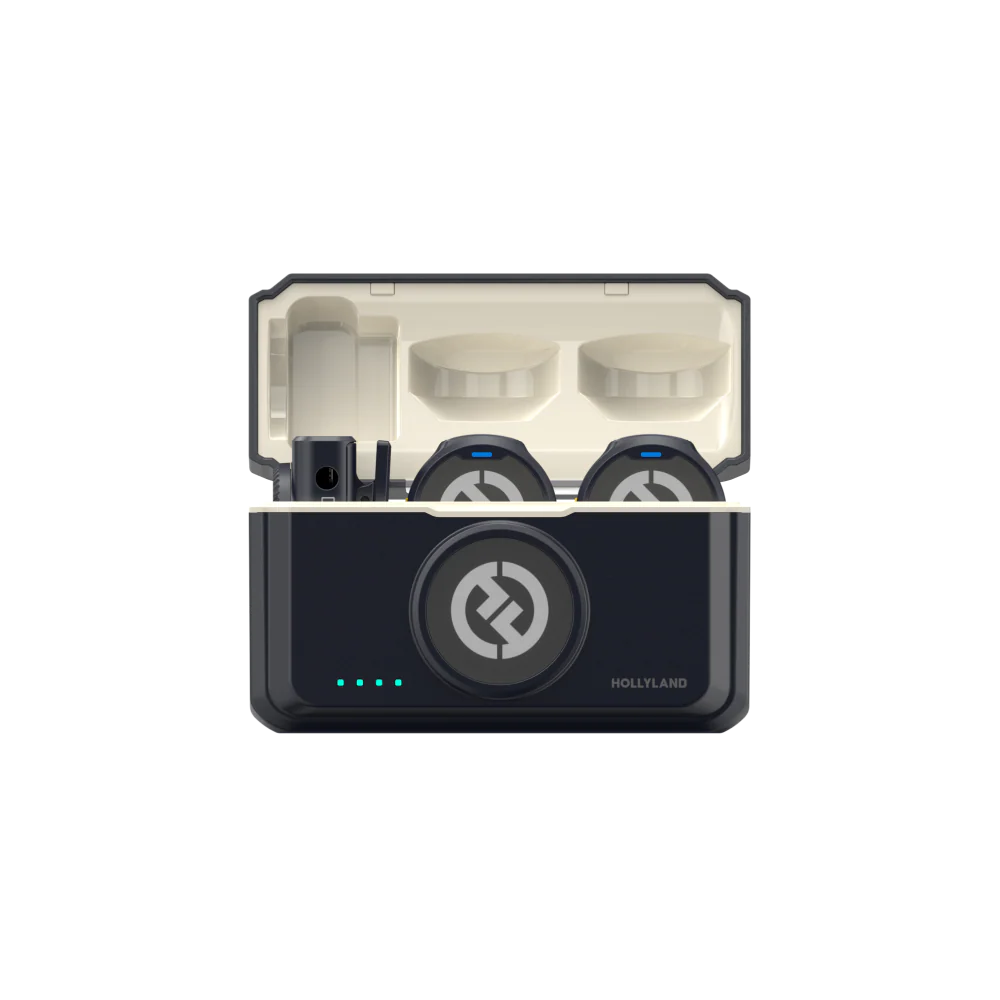
Hollyland LARK M2 Microphone

Hollyland · Microphone

Hollyland LARK M2 Microphone

A small wireless microphone for voice recordings, commentary and a portable creator kit.

Choose a receiver version that supports your recording device. Verify the audio input and software workflow; a wireless mic alone does not capture gameplay.

Explore at Hollyland
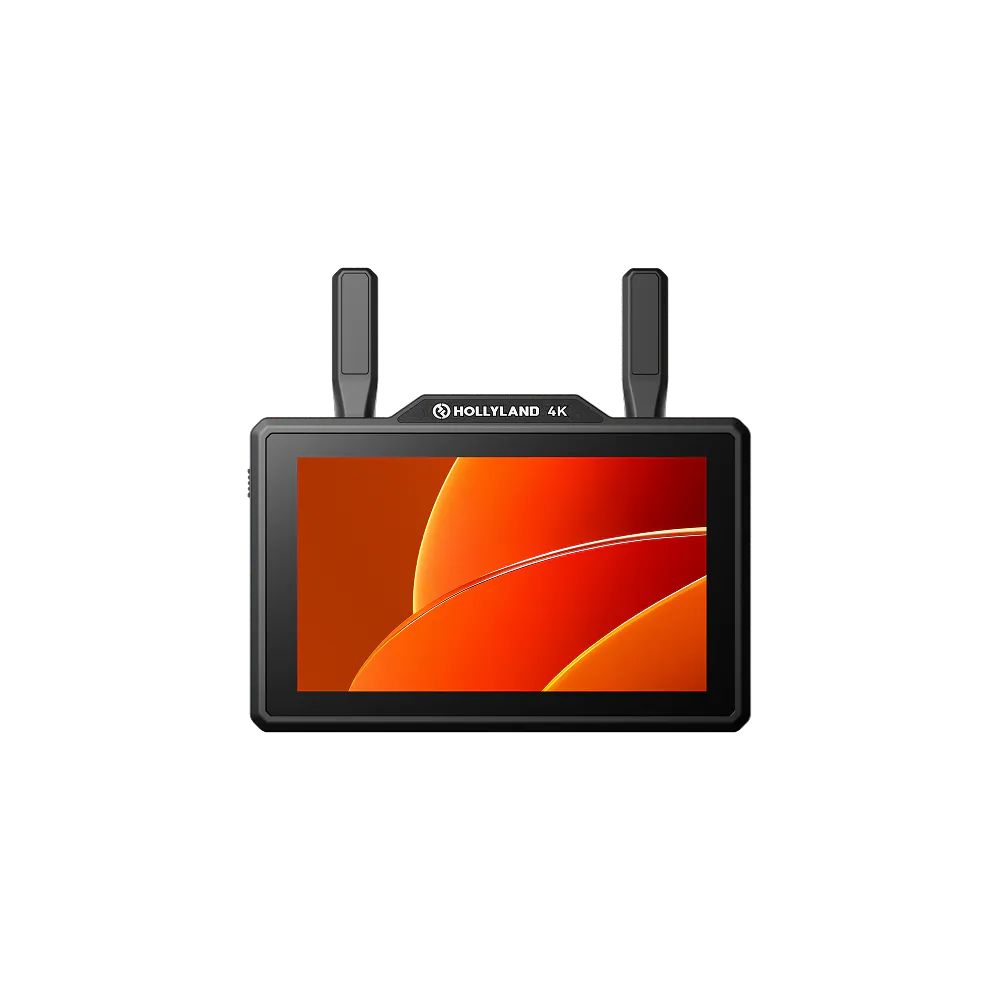
Hollyland Pyro 5 4K

Hollyland · Video Monitor

Hollyland Pyro 5 4K

A production monitor for creators who want to inspect an external video feed as part of a larger capture setup.

Check the exact input, output and recording capabilities. A compatible HDMI dock and additional capture equipment may be needed.

Explore at Hollyland
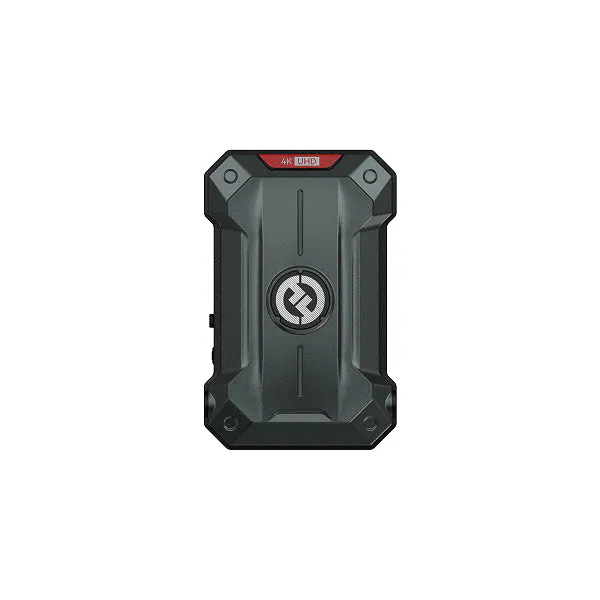
Hollyland Pyro Ultra 4K Transmitter

Hollyland · Video Transmitter

Hollyland Pyro Ultra 4K Transmitter

Send a video feed wirelessly from an HDMI-equipped handheld dock into a compatible production workflow.

Requires a compatible receiver, power and the appropriate video connection. It is specialist production gear, not a plug-and-play streaming upgrade.

Explore at Hollyland
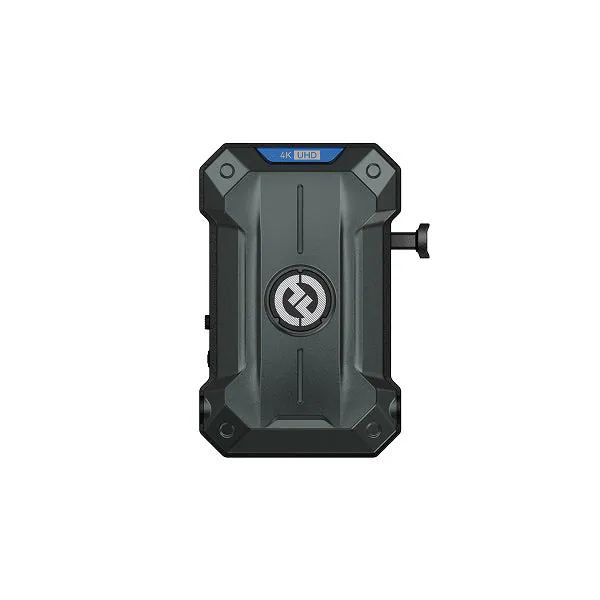
Hollyland Pyro Ultra 4K Receiver

Hollyland · Video Receiver

Hollyland Pyro Ultra 4K Receiver

Receive a compatible Pyro Ultra feed for a monitor or capture workflow when cables would get in the way.

Pair with a compatible transmitter and confirm HDMI or SDI requirements. The receiver alone cannot transmit or capture your handheld’s gameplay.

Explore at Hollyland

Before you choose.

What handheld gaming accessories should I buy first?

Start with the charger supplied with your handheld. If you need a second setup, buy a correctly rated USB-C Power Delivery charger and cable, then a fitted carrying case and screen protector. Add a dock for TV or monitor play, a power bank for travel, and storage only when you need more room for games.

Which accessories work with ROG Xbox Ally X?

Charging accessories need to match the ROG Xbox Ally X power requirements. USB-C hubs also need compatible display support and enough power pass-through. Cases, grips and screen protectors must explicitly fit the ROG Xbox Ally X; compatibility with an original ROG Ally or Ally X is not enough.

Can I use an Anker charger with Steam Deck or ROG Ally?

A compatible USB-C Power Delivery charger can be used when its output profiles, wattage and cable meet the handheld’s requirements. Higher rated wattage does not force extra power into a handheld. When using a hub or dock, allow for its own power consumption and check the power that actually reaches the device.

Does a 100W USB-C cable support video output?

Not necessarily. Charging wattage, data speed and video support are separate specifications. Buy a cable explicitly rated for the display connection or transfer speed you need. The Anker charging cable listed here should not be assumed to carry video.

Do I need a dock for a handheld gaming PC?

No dock is needed for portable play. A dock or USB-C hub is useful for a compatible monitor or TV, external storage, keyboard, mouse or controller. Check display resolution and refresh rate, charging pass-through, port clearance and ventilation before choosing one.

Can I use AR display glasses with a handheld?

A direct connection requires compatible USB-C DisplayPort video output on your exact handheld. Charging while using the glasses needs an adapter that passes both video and power. A charging-only cable or port is not enough. The RayNeo and Rokid guides linked above explain the display options.

Is PlayStation Portal the same as Steam Deck or a Windows handheld?

No. Steam Deck and Windows handheld PCs run compatible games locally. PlayStation Portal focuses on streaming. PS5 Remote Play requires a PS5 and a suitable network connection; supported cloud streaming has separate subscription, game and regional requirements.

Are these accessories personally tested recommendations?

This is a specifications-based buying guide, not a claim that every product has been tested by Duuro. Compare the linked manufacturer guidance and exact retailer listing before buying. Affiliate links may earn Duuro a commission at no extra cost to you; prices, availability and variants can change.

Find your next game in Duuro’s ROG Xbox Ally X guide.

Explore the games