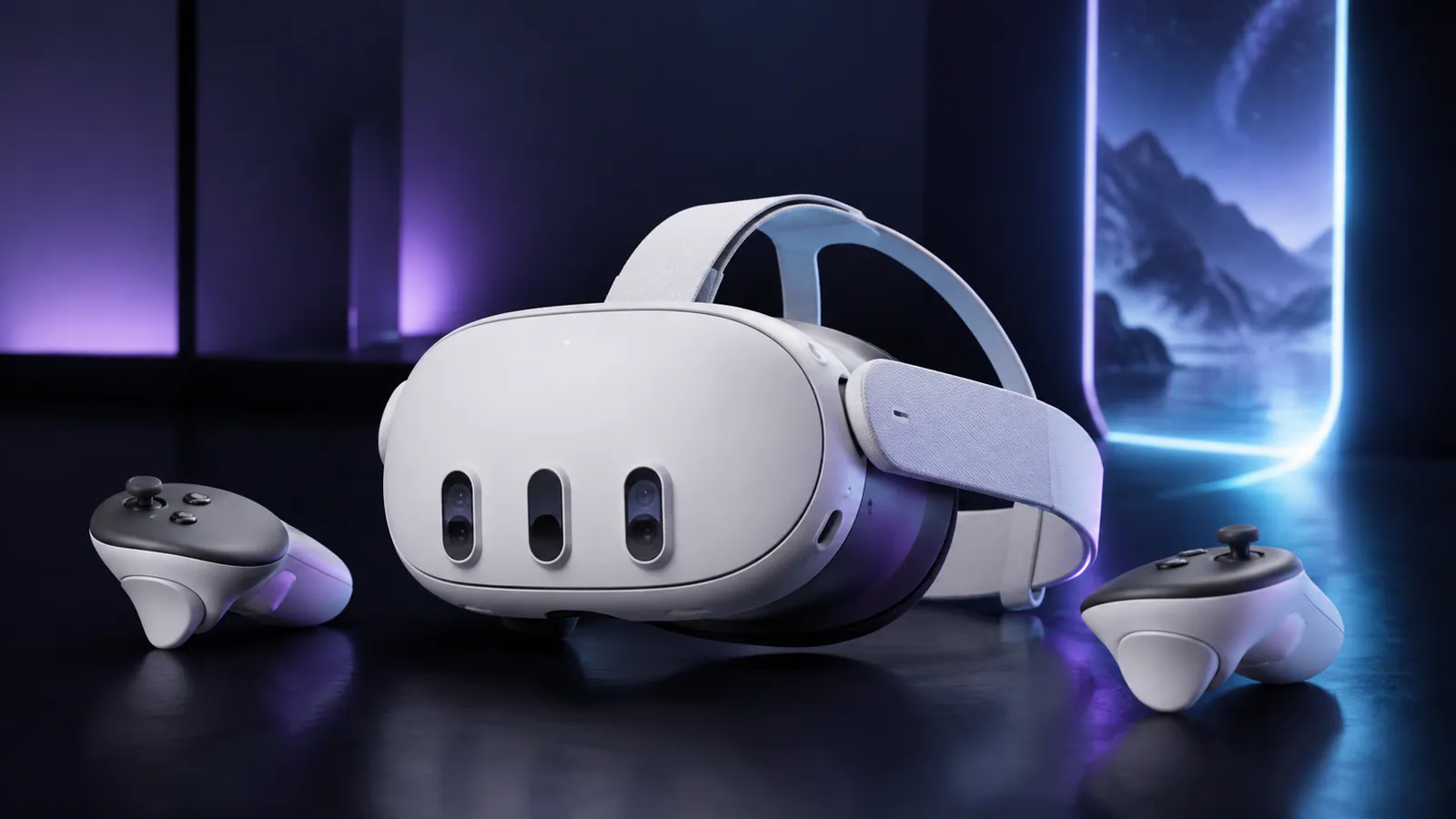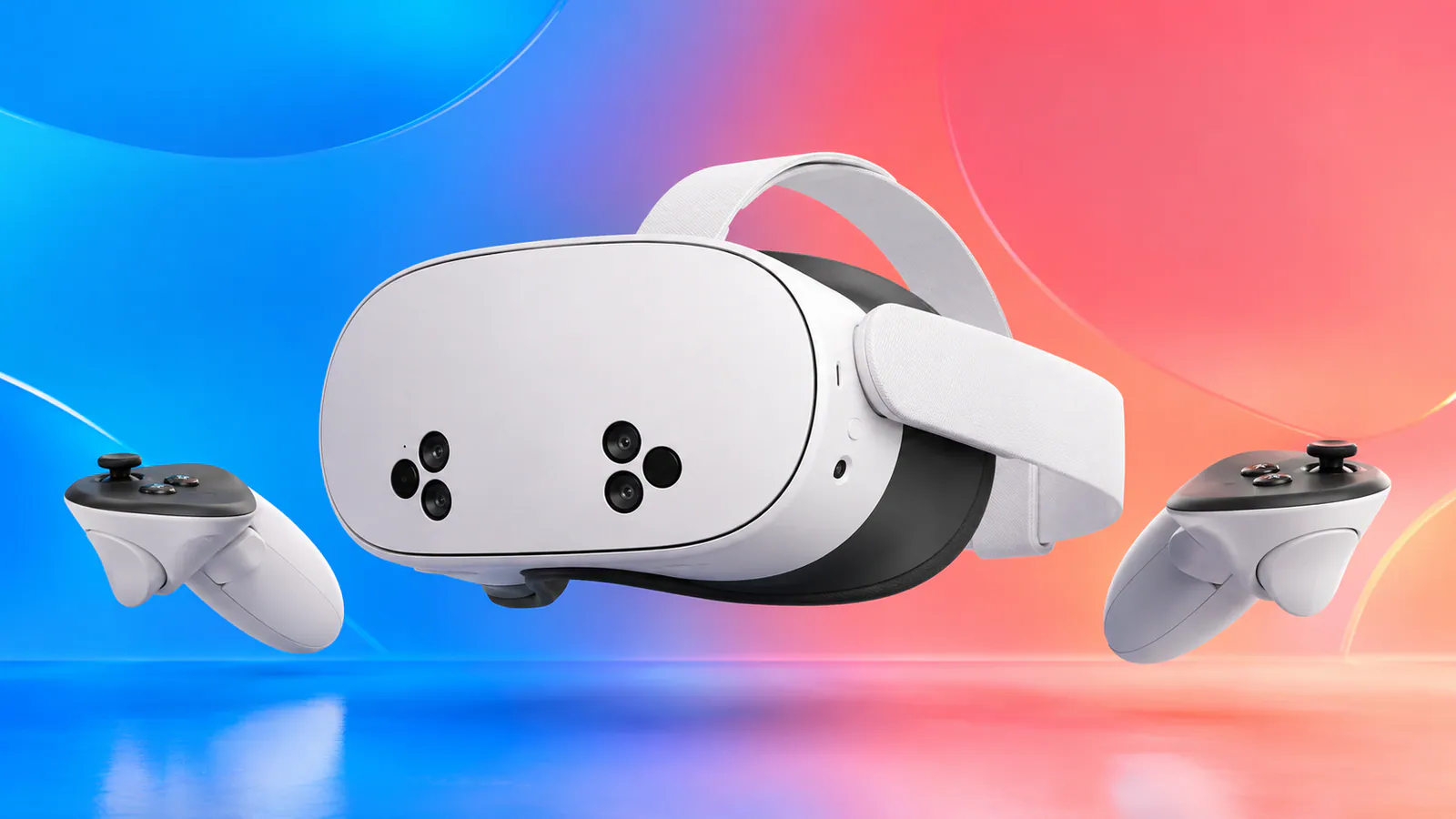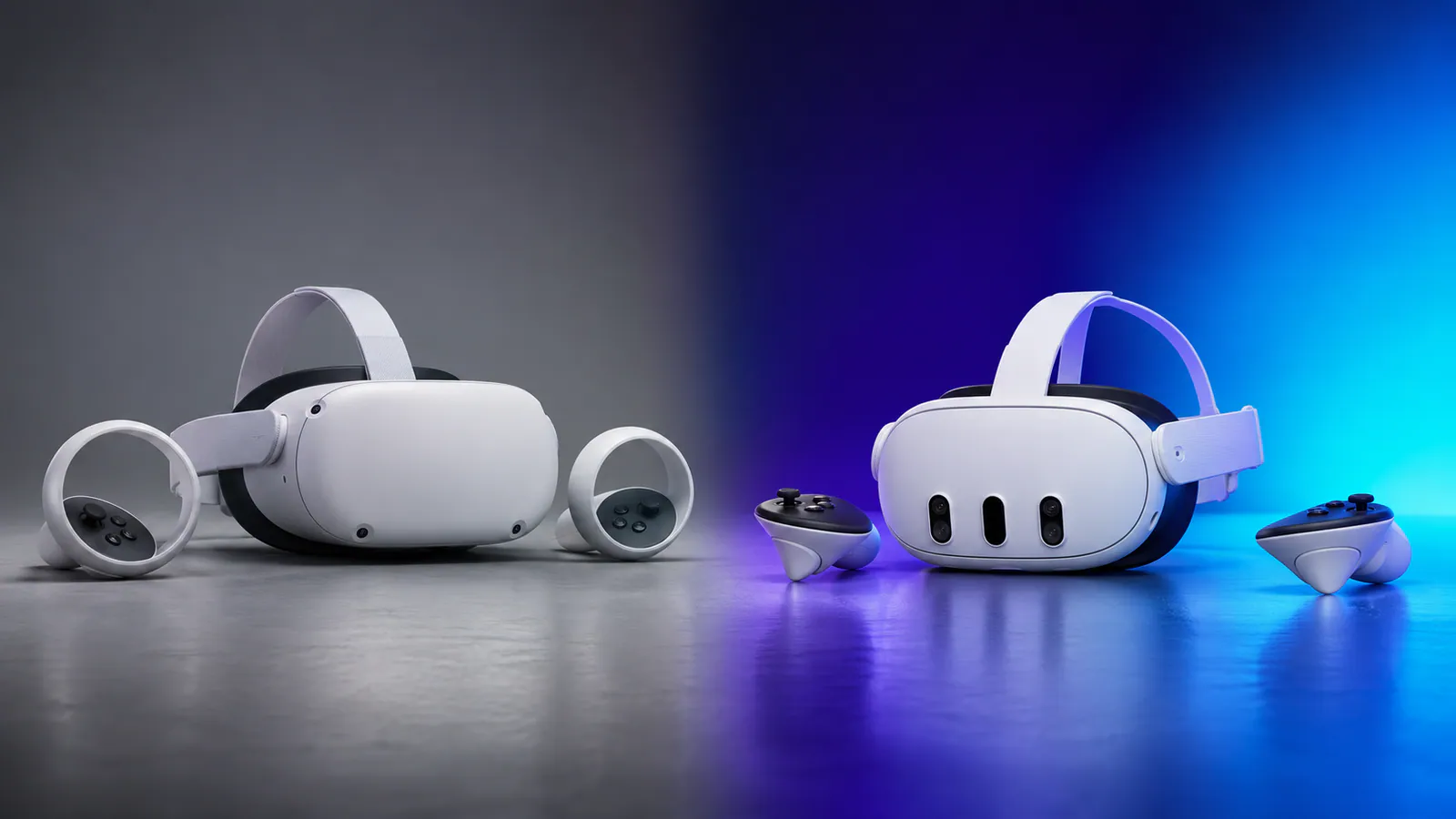
Quest 3 is a major Quest 2 upgrade, but only regular VR users should spend $599.99
Meta Quest 3 is worth upgrading to from Quest 2 if you still play VR regularly. The sharper pancake lenses, faster XR2 Gen 2 chipset, 8 GB of memory, color passthrough, depth sensor, slimmer optical profile, and 512 GB storage improve both old games and current Quest 3-family releases. If Quest 2 has spent most of the year in a drawer, new hardware will not fix that habit.
Price check, September 3, 2026: Meta Quest 3 512 GB costs $599.99 in the US. Meta no longer sells Quest 2, so Quest 2 prices depend on used or remaining retailer stock.
Meta Quest 3 vs Quest 2 specifications
| Feature | Meta Quest 3 | Meta Quest 2 |
|---|---|---|
| Current status | Current model | No longer sold by Meta |
| Chipset | Snapdragon XR2 Gen 2 | Snapdragon XR2 Gen 1 |
| Memory | 8 GB | 6 GB |
| Display resolution | 2064 × 2208 per eye | 1832 × 1920 per eye |
| Optics | Pancake lenses | Fresnel lenses |
| Passthrough | Full-color stereoscopic | Grayscale |
| Depth sensor | Yes | No |
| IPD adjustment | Continuous, 53-75 mm | Three positions |
| Current Quest storage | 512 GB | 128 GB or 256 GB were common |
| Controllers | Touch Plus without tracking rings | Touch controllers with tracking rings |
| PC VR | Quest Link and Air Link | Quest Link and Air Link |
Meta's Quest 3 launch information describes the generational performance, resolution, passthrough, audio, and form-factor improvements. Meta's current Quest 2 product page confirms that the headset is no longer available directly.
Pancake lenses make the biggest everyday difference
Quest 2 can still display enjoyable VR, but its Fresnel lenses have a relatively small clear sweet spot. If the headset shifts or the lens spacing does not align well with your eyes, text and details soften quickly. Looking toward the edge of the display often means turning your entire head to keep the subject clear.
Quest 3's pancake optics are much more forgiving. The image stays clearer across a wider area, the physical display resolution is higher, and the continuous IPD wheel gives you more control over alignment. This is the upgrade that improves almost everything you already own, not just games with a special Quest 3 graphics patch.
The improvement is especially useful for menus, subtitles, cockpit instruments, virtual desktops, media, and PC VR. Quest 2 users who found reading text tiring have one of the clearest reasons to upgrade.
Quest 3 is much faster and has more memory
Quest 3 uses the Snapdragon XR2 Gen 2 platform and 8 GB of memory, compared with the XR2 Gen 1 and 6 GB in Quest 2. Meta described Quest 3 as delivering more than twice the graphical performance of Quest 2's GPU generation.
That extra headroom supports sharper rendering, denser environments, faster loading, better effects, and games designed around the current Quest 3 family. Not every older game transforms automatically, and developers still decide how to use the hardware, but the performance ceiling is substantially higher.
Duuro's best Meta Quest 3 games guide highlights releases that show how far standalone VR has moved since Quest 2 launched. Current games increasingly list Quest 3 and Quest 3S as the target family, so software support is becoming as important as the immediate visual upgrade.
Color passthrough changes mixed reality and basic usability
Quest 2's grayscale passthrough is mainly a safety and setup feature. Quest 3 uses dual color cameras and a depth sensor, making it easier to see the room, find objects, interact with people, and place virtual content against real surfaces.
Mixed-reality games can turn furniture, walls, floors, and open space into parts of the experience. Even if you rarely play dedicated MR games, switching to a usable color view without taking off the headset is a quality-of-life improvement.
The cameras do not make Quest 3 look like transparent glass. Passthrough remains a processed video feed with limitations in fine detail, low light, and dynamic range. It is still a significant upgrade over Quest 2.
Comfort is better, but the strap still needs attention
Quest 3 has a much slimmer optical profile than Quest 2, so the headset's mass sits closer to the face. That can feel better balanced even though neither device becomes weightless. The ring-free Touch Plus controllers are also easier to bring close together and less likely to bump into one another.
The included fabric strap remains basic. Frequent players may want a more supportive replacement, and long sessions often benefit from a battery strap that acts as a counterweight. Include those accessories when comparing the real cost of an upgrade.
Quest 2 accessories are not automatically compatible with Quest 3. Different headset shapes and controller designs mean old straps, facial interfaces, cases, docks, grips, and prescription lens inserts may need replacing. Check compatibility before treating an accessory collection as reusable.
What happens to your Quest 2 games?
Compatible purchases stay attached to your Meta account. Sign into Quest 3 with the same account, open the library, and download the supported games again. Save data can return through cloud backup when the game and account support it, but verify important progress before wiping or selling the old headset.
Quest 3 also works with current Quest 3S software because both devices share the same generation of processing hardware. That makes Quest 3 the more future-facing replacement for Quest 2 without forcing you to abandon the existing compatible library.
For new purchases, code DUURO can provide 10% off eligible Meta Quest games. Browse the current Meta Quest discount guide and verify the reduced price before checkout.
Should you upgrade from Quest 2 to Quest 3 or Quest 3S?
| Your situation | Best move |
|---|---|
| Quest 2 is used several times per week | Upgrade to Quest 3 |
| Quest 2 is used occasionally and the lenses do not bother you | Keep Quest 2 for now |
| You want current games at the lowest price | Upgrade to Quest 3S |
| You dislike Quest 2's small clear sweet spot | Upgrade to Quest 3 |
| You mainly want better color mixed reality | Quest 3 or Quest 3S |
| You have an IPD between Quest 2's presets | Upgrade to Quest 3 |
| You stopped using VR because of weak software | Check the current game library before buying |
| You stopped using VR because the headset felt uncomfortable | Try a better strap before spending $599.99 |
Quest 3S provides the same XR2 Gen 2 performance family and current game access for less money, but it keeps Fresnel lenses and the 1832 × 1920 per-eye display approach. For many Quest 2 owners, those optics are exactly what they want to escape. That is why Quest 3 is the more satisfying upgrade even though it costs more.
Use our Quest 3 vs Quest 3S chooser if the decision comes down to price, lenses, storage, and IPD adjustment.
Reasons not to upgrade
Do not upgrade simply because Quest 3 is newer. Keep Quest 2 if it still runs the games you play, you are happy with the image, and current exclusives do not interest you. A working headset used every month is more valuable than an expensive upgrade used for one weekend.
The $599.99 Quest 3 price is also a real obstacle. Used and refurbished offers may improve the calculation, but check the lenses for scratches, test controller tracking, confirm that the headset is not account-locked or reported lost, and understand the warranty terms before buying second-hand.
Final verdict
Quest 3 is a genuine generational upgrade over Quest 2. Its optics are clearer, the display is sharper, the processor is faster, color passthrough makes the outside world usable, and the current software direction favors the Quest 3 family. Regular Quest 2 players will notice the improvement every time they wear it.
Inactive Quest 2 owners should pause. Look at the best current Quest games, identify what you actually want to play, and upgrade only when the answer is more specific than owning the newest model.
Thanks for reading!
This comparison uses Duuro's published Quest game testing alongside official Meta specifications and availability information. Affiliate links may earn Duuro a commission at no extra cost to you.