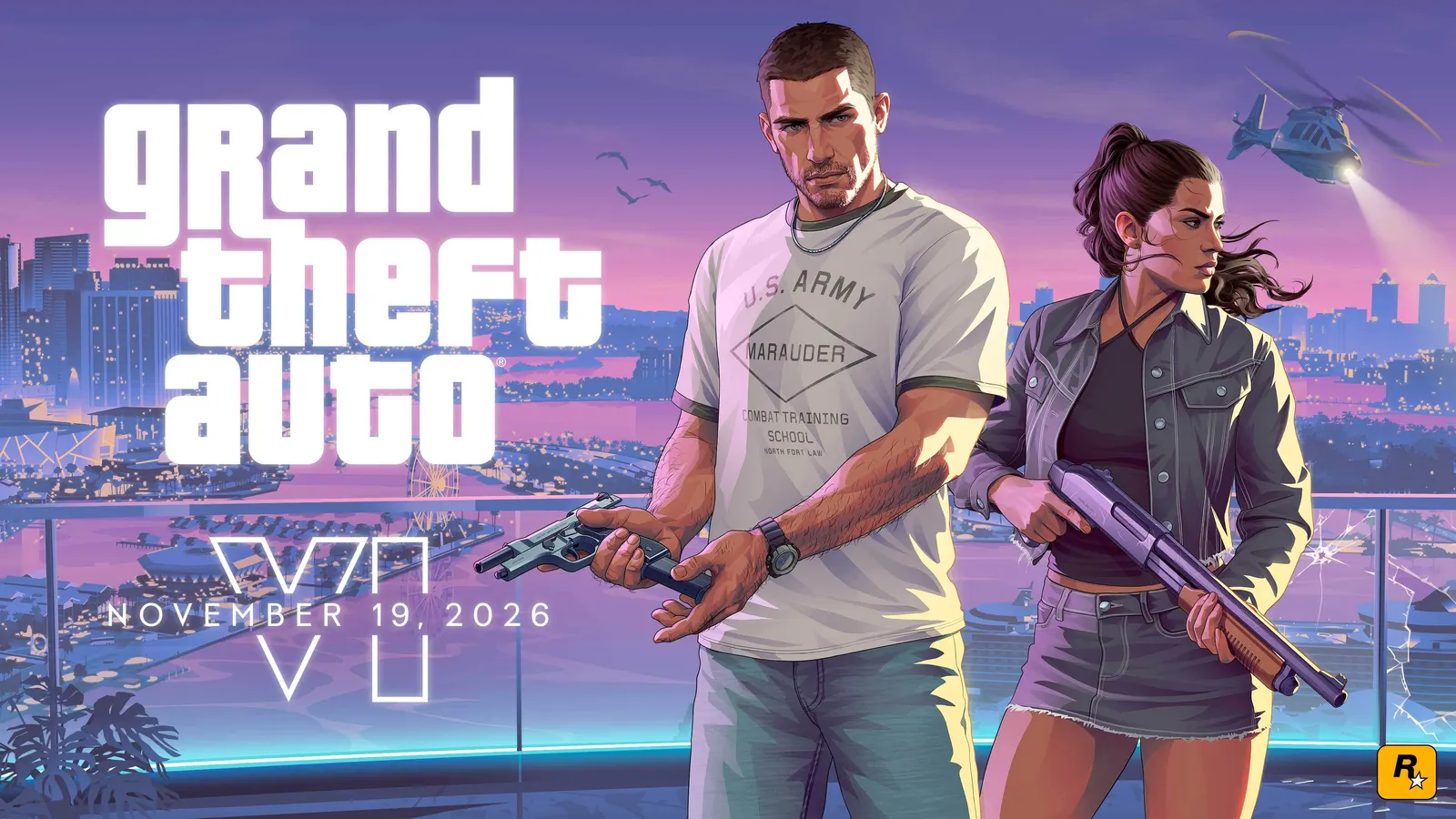
How do you get ready for GTA 6 on November 19?
To be ready to play GTA 6 the moment it unlocks, preload the game now, make sure you have at least 212 GB of free storage, and leave your PS5 or Xbox in rest/sleep mode with automatic updates turned on. Grand Theft Auto VI launches on Thursday, November 19, 2026 for PS5 and Xbox Series X|S, and preloading has been open since November 10.
This checklist was checked on November 17, 2026 against Rockstar's preload announcement, the Pre-Load Grand Theft Auto VI Now post, and Rockstar's platform and editions FAQ.
| GTA 6 launch detail | What you need to know |
|---|---|
| Release date | Thursday, November 19, 2026 |
| Platforms | PS5, PS5 Pro, Xbox Series X, Xbox Series S |
| Unlock time | Midnight local time on November 19 (PS5), check your Xbox store countdown |
| Preload | Open now for digital preorders (since November 10) |
| Download size | Up to 212 GB, depending on the console |
| Physical edition | Download code in the box, no disc |
| Preorder bonus deadline | Buy before November 20 for the Vintage Vice City Pack |
| PC version | Not announced |
GTA 6 launch day checklist
Work through these steps before Wednesday night and you will be playing at midnight instead of watching a progress bar.
- Buy or preorder the game on the PlayStation Store or Microsoft Store (or redeem your code-in-box).
- Free up at least 212 GB, plus some extra headroom for a launch update.
- Start the preload and let it finish completely.
- Turn on automatic updates so any day-one patch installs on its own.
- Leave the console in rest mode (PS5) or sleep mode (Xbox) with internet access enabled.
- Check the unlock time for your platform and region.
- Claim your bonuses: the Vintage Vice City Pack and, for eligible digital preorders, one month of GTA+.
- Prep your setup: TV game mode, HDR calibration, charged controller, and a clear evening.
The rest of this guide explains each step.
Step 1: Buy or preorder GTA 6
Preorders are open on PS5 and Xbox Series X|S. In the US, the Standard Edition is $79.99 and the Ultimate Edition is $99.99. Standard owners can buy the $20 Ultimate Edition Upgrade later, so you do not need to decide on extras before launch.
For a full breakdown of what each version includes, read our GTA 6 price and editions guide.
Buying a physical copy? The boxed Standard Edition contains a download code, not a disc. Copies began hitting shelves on November 12, so redeem the code as soon as you have it and start the download. If you wait until launch night to open the box, you will still be stuck downloading the full game.
Step 2: Free up 212 GB of storage
Rockstar says the GTA 6 preload needs up to 212 GB depending on your device. That is one of the largest console downloads ever, and it will not fit on some consoles without a clear-out.
| Console | Advertised storage | Roughly usable for games | Room for GTA 6? |
|---|---|---|---|
| PS5 (launch model) | 825 GB | About 667 GB | Yes, after clearing space |
| PS5 Slim / PS5 Pro | 1 TB / 2 TB | About 848 GB / 1.8 TB+ | Yes |
| Xbox Series X | 1 TB | About 802 GB | Yes |
| Xbox Series S (512 GB) | 512 GB | About 364 GB | Tight, uses most of the drive |
| Xbox Series S (1 TB) | 1 TB | About 800 GB | Yes |
Tips for clearing space fast:
- Delete games you can re-download. Your library and cloud saves are kept, so removing a 100 GB shooter you have not touched in months costs you nothing.
- Move older games to a USB drive. PS5 and Xbox Series games can be stored on a USB drive and copied back later.
- Install GTA 6 on internal storage or a supported expansion drive. A PS5 M.2 SSD or an Xbox Storage Expansion Card works. A standard USB hard drive is fine for storage but cannot run current-gen games like GTA 6.
- Clear captures. Old video clips and screenshots can quietly take up tens of gigabytes.
- Leave a buffer. Aim for 230 GB or more free so a day-one patch does not fail for lack of space.
Step 3: Preload GTA 6 now
Preloading started on November 10, 2026, two days earlier than Rockstar's original November 12 date. According to Rockstar, PS5 preloads opened at midnight local time, while Xbox Series X|S preloads opened at the same moment worldwide.
How to preload GTA 6 on PS5:
- Open the PlayStation Store and search for Grand Theft Auto VI, or find it in your Game Library under Purchased.
- Select Download.
- Check progress under Downloads/Uploads in the control center.
How to preload GTA 6 on Xbox Series X|S:
- Open the Microsoft Store or My games & apps, then Full library > Owned games.
- Select Grand Theft Auto VI and choose Install.
- Check progress in My games & apps > Manage > Queue.
You can also start a download remotely using the PlayStation App or the Xbox app on your phone. That is handy if you buy the game at work and want it downloading before you get home.
How long will the download take? At 100 Mbps, a 212 GB download takes around 5 hours. At 50 Mbps it is closer to 10 hours, and at 25 Mbps around 20 hours. Real-world speeds are usually slower at peak times, and launch week will be busy, so do not leave it until Wednesday night.
Speed-up tips: use a wired Ethernet connection if you can, pause other downloads, and avoid streaming 4K video on the same network while the game downloads.
Step 4: Turn on automatic updates
A preload is not always the final build. Turn on automatic updates so any launch patch installs before you press start:
- PS5: Settings > System > Power Saving > Features Available in Rest Mode > turn on Stay Connected to the Internet. Then make sure Auto-Downloads and Auto-Install in Rest Mode are enabled under Settings > Saved Data and Game/App Settings > Automatic Updates.
- Xbox: Settings > General > Power options > set the power mode to Sleep. Then under Settings > System > Updates, turn on Keep my games & apps up to date.
Step 5: Know the GTA 6 unlock time
On PS5, GTA 6 unlocks at 12:00 a.m. local time on Thursday, November 19, 2026. That means players in Australia and New Zealand start first, followed by Asia, Europe, and the Americas as midnight moves west.
| Region | PS5 unlock (local time) | When that is |
|---|---|---|
| New Zealand (Auckland) | 12:00 a.m. NZDT, Nov 19 | First major market to unlock |
| Australia (Sydney) | 12:00 a.m. AEDT, Nov 19 | About 2 hours after New Zealand |
| Japan (Tokyo) | 12:00 a.m. JST, Nov 19 | |
| UK (London) | 12:00 a.m. GMT, Nov 19 | Late Wednesday night, Nov 18 |
| Central Europe (Berlin, Paris) | 12:00 a.m. CET, Nov 19 | |
| US East (New York) | 12:00 a.m. ET, Nov 19 | |
| US West (Los Angeles) | 12:00 a.m. PT, Nov 19 |
On Xbox, the most reliable check is the countdown on the game's Microsoft Store page. Midnight local time is the expected unlock, but some US store listings have suggested an earlier unlock on the night of November 18, and Rockstar has not published a time-zone-by-time-zone schedule for Xbox. Look at your own store page on Wednesday rather than relying on social media posts.
Can you play early by changing your console region? Do not count on it. Region tricks are unreliable, can break purchases tied to your account, and are not supported by Sony, Microsoft, or Rockstar.
Step 6: Claim your preorder bonuses and GTA+
Orders made before November 20, 2026 are eligible for the Vintage Vice City Pack, which includes:
- '55 Vapid Stanier Sedan and garage
- Outfits and hairstyles
- An exclusive weapon pattern
Eligible digital preorders also come with one month of GTA+. Rockstar says this benefit must be redeemed under its offer terms, so check your platform and Rockstar account for the redemption steps after launch.
Link your Rockstar Games account to your PlayStation Network or Xbox account before launch. Rockstar bonuses and GTA+ are tied to that link, and doing it at midnight, when everyone else is trying too, is the slowest way to find out your password is wrong.
Step 7: Set up your TV, console, and controller
These are small things, but they matter for a game you may play for 100+ hours.
- Turn on your TV's Game Mode to cut input lag.
- Run HDR calibration on your console (PS5: Settings > Screen and Video > Adjust HDR; Xbox: Settings > General > TV & display options > Calibrate HDR for games).
- Use the right HDMI port. HDMI 2.1 ports usually give the best results on newer TVs.
- Charge your controller, or keep a USB-C cable nearby.
- Check your headset. GTA has always had excellent radio and sound design, and Vice City deserves good audio.
- Plan your first session. Rockstar has said it is targeting 30 frames per second on consoles, according to launch interviews, so visual quality rather than frame rate is the priority.
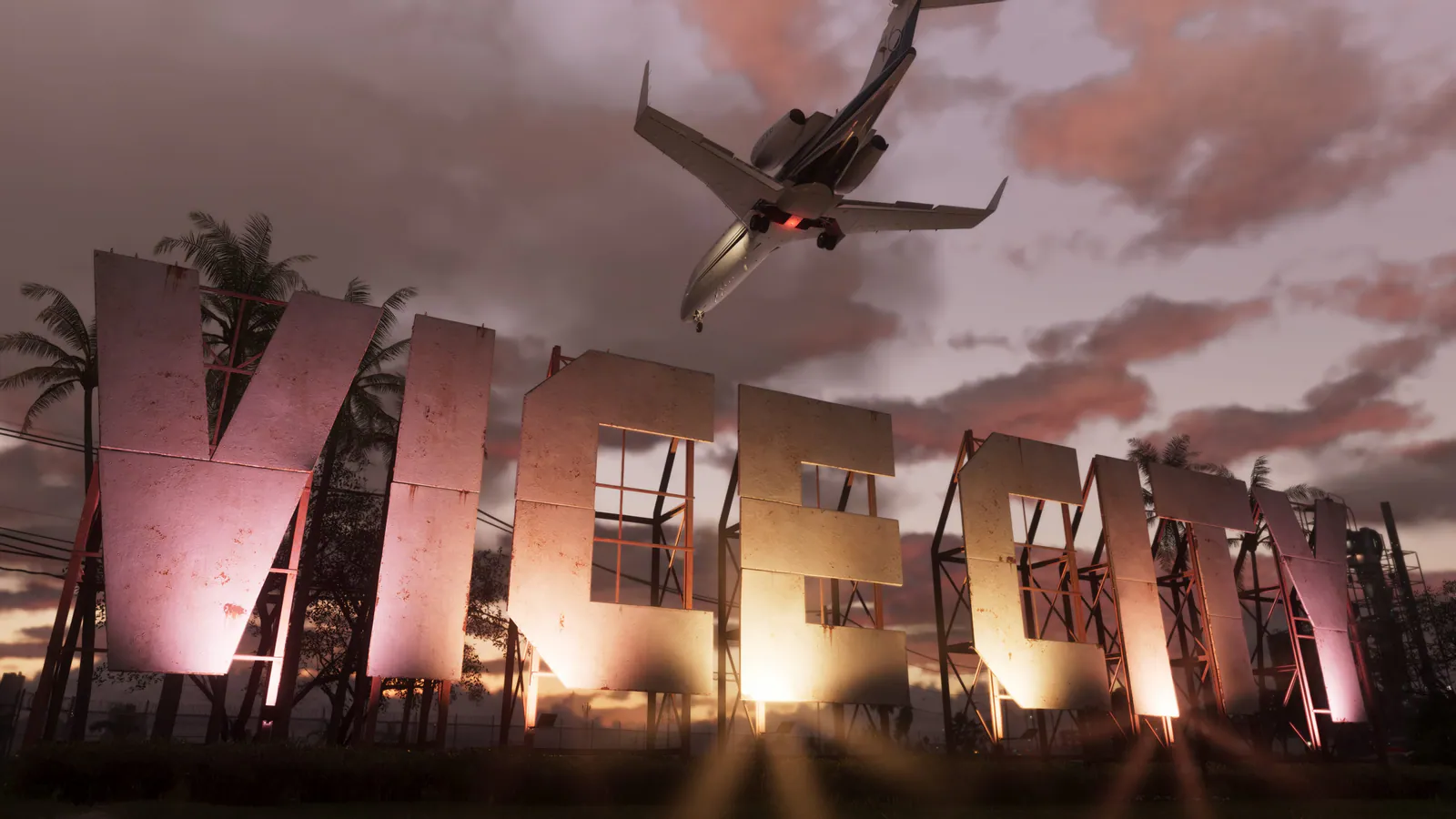
Step 8: Get ready for Vice City and Leonida
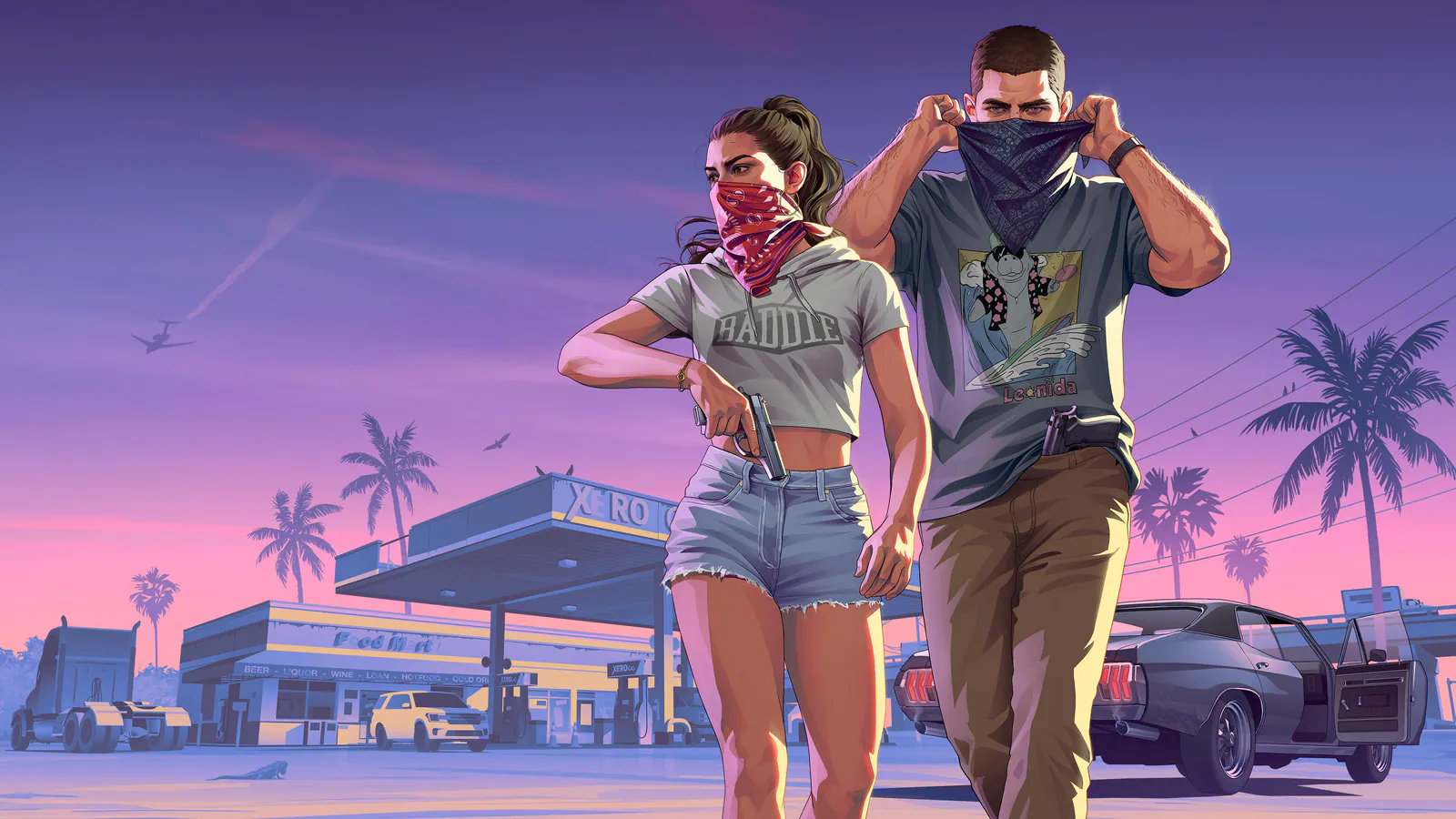
GTA 6 follows Lucia and Jason, a criminal duo in the state of Leonida, a modern take on Florida centered on Vice City. Expect a large map, two-character switching, and a story built around their relationship.
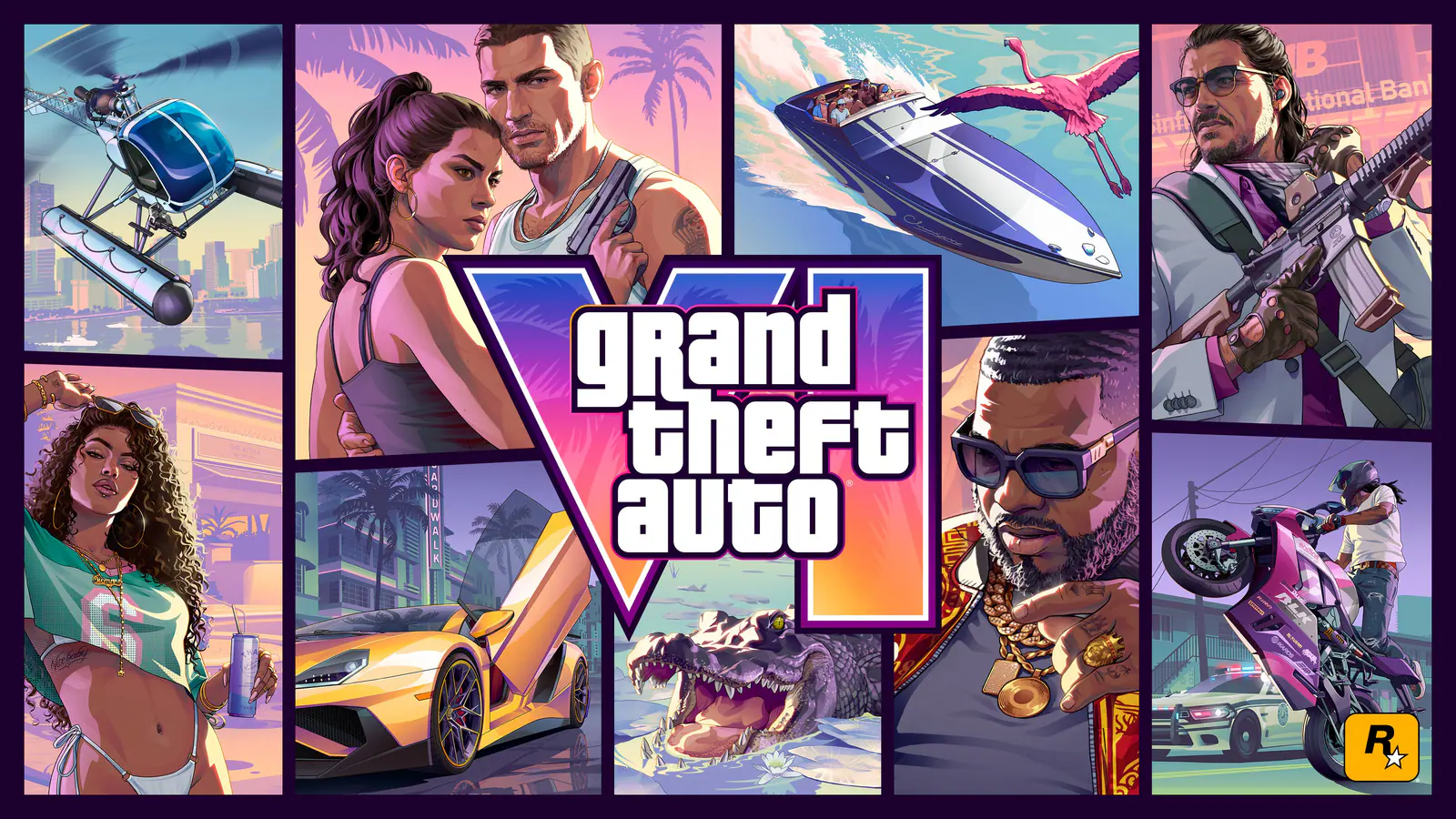
On launch day, Rockstar plans to add a free printable GTA 6 cover art poster and map of Leonida to its official website. Grab the map if you like having the world laid out on a second screen or printed on a wall.
Avoid spoilers. Leaks and streams will appear within minutes of the first unlock in New Zealand. Mute keywords such as "GTA 6", "GTA VI", "Lucia", and "Jason" on social media until you have played, and be careful with YouTube recommendations.
Book the time. If you can, keep Thursday evening (or the whole day) free. The opening hours of a Rockstar game are worth playing without distractions.
What you do not need for GTA 6 launch
- You do not need a gaming PC. GTA 6 is not on PC at launch, and Rockstar has not announced a PC version. See our GTA 6 PC release guide.
- You do not need a PS5 Pro. GTA 6 runs on standard PS5 and Xbox Series S as well.
- You do not need to wait for crossplay or online details. Rockstar describes GTA 6 as a single-player experience at this stage, and has not announced crossplay. Read will GTA 6 have crossplay? for what is known.
- You do not need the Ultimate Edition. The Standard Edition is the complete game, and you can upgrade later.
Frequently asked questions
What time does GTA 6 come out?
GTA 6 unlocks at midnight local time on Thursday, November 19, 2026 on PS5. On Xbox Series X|S, check the countdown on the Microsoft Store page, since Rockstar has not published a separate time-zone schedule for Xbox.
Can I preload GTA 6?
Yes. Preloading opened on November 10, 2026 for digital preorders on PS5 and Xbox Series X|S. Physical buyers can redeem the code in the box and start the download once they have it.
How big is GTA 6?
Rockstar says the GTA 6 preload needs up to 212 GB of storage, depending on your console. Leave extra free space for a launch-day update.
Will GTA 6 fit on an Xbox Series S?
The 512 GB Xbox Series S has about 364 GB of usable space, so GTA 6 fits, but it will take up most of the drive. You will likely need to delete other games or add an Xbox Storage Expansion Card.
Can I play GTA 6 from an external hard drive?
You can store GTA 6 on a USB drive, but you cannot run it from one. To play, it must be on internal storage, a PS5 M.2 SSD expansion, or an Xbox Storage Expansion Card.
Does the physical GTA 6 come on a disc?
No. Rockstar says the physical Standard Edition contains a download code in the box, so you still need to download the full game.
When do the GTA 6 preorder bonuses end?
Purchases made before November 20, 2026 are eligible for the Vintage Vice City Pack. Eligible digital preorders also include one month of GTA+.
Do I need PlayStation Plus or Game Pass to play GTA 6?
Rockstar describes GTA 6 as a single-player experience, and single-player games on PS5 and Xbox do not require a paid online subscription. Rockstar has not detailed any online mode for launch.
Is GTA 6 coming to PC?
Rockstar has not announced a PC version. GTA 6 launches only on PS5 and Xbox Series X|S on November 19, 2026.