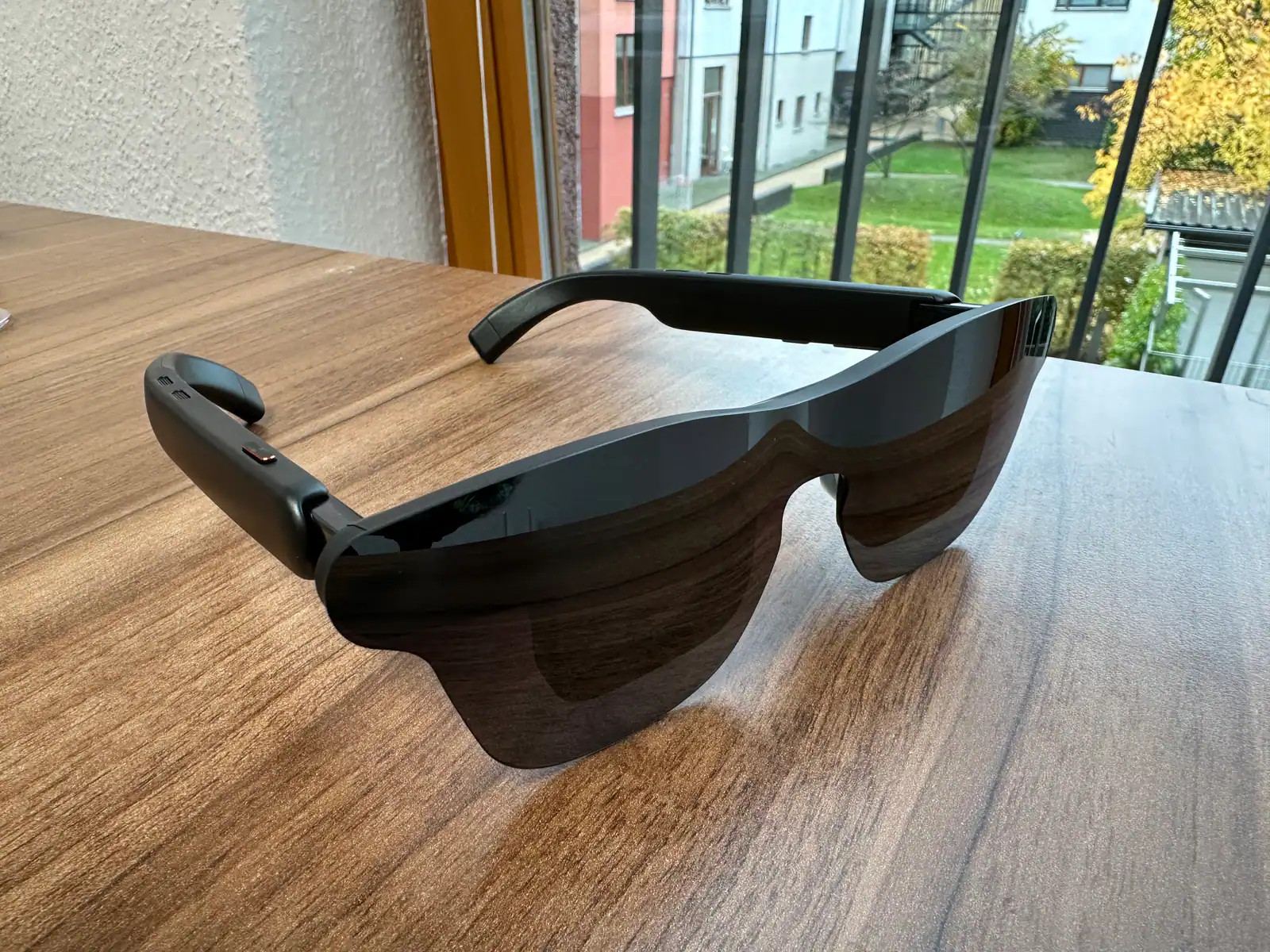
RayNeo GT Max is a monitor strapped to your face, and that is exactly why it is awesome
Let me get one thing out of the way first. The RayNeo GT Max gets called AR glasses a lot, but that is not what it is. It does not put holograms in your living room or pin apps to your walls. It gives you one big, sharp, beautiful screen anywhere you go. Treat it as a portable monitor replacement and it is one of the best gadgets I have used this year.
I have used them a lot, on a plane, in a car, in bed and at my desk, with a Mac, two iPhones, a PS5, an Xbox Series X and the ROG Xbox Ally X.
What 59 degrees and 307 inches actually look like
Every spec sheet talks about a 59° field of view and a virtual screen of up to 307 inches. Those numbers sound great, but they tell you nothing about what you actually see.
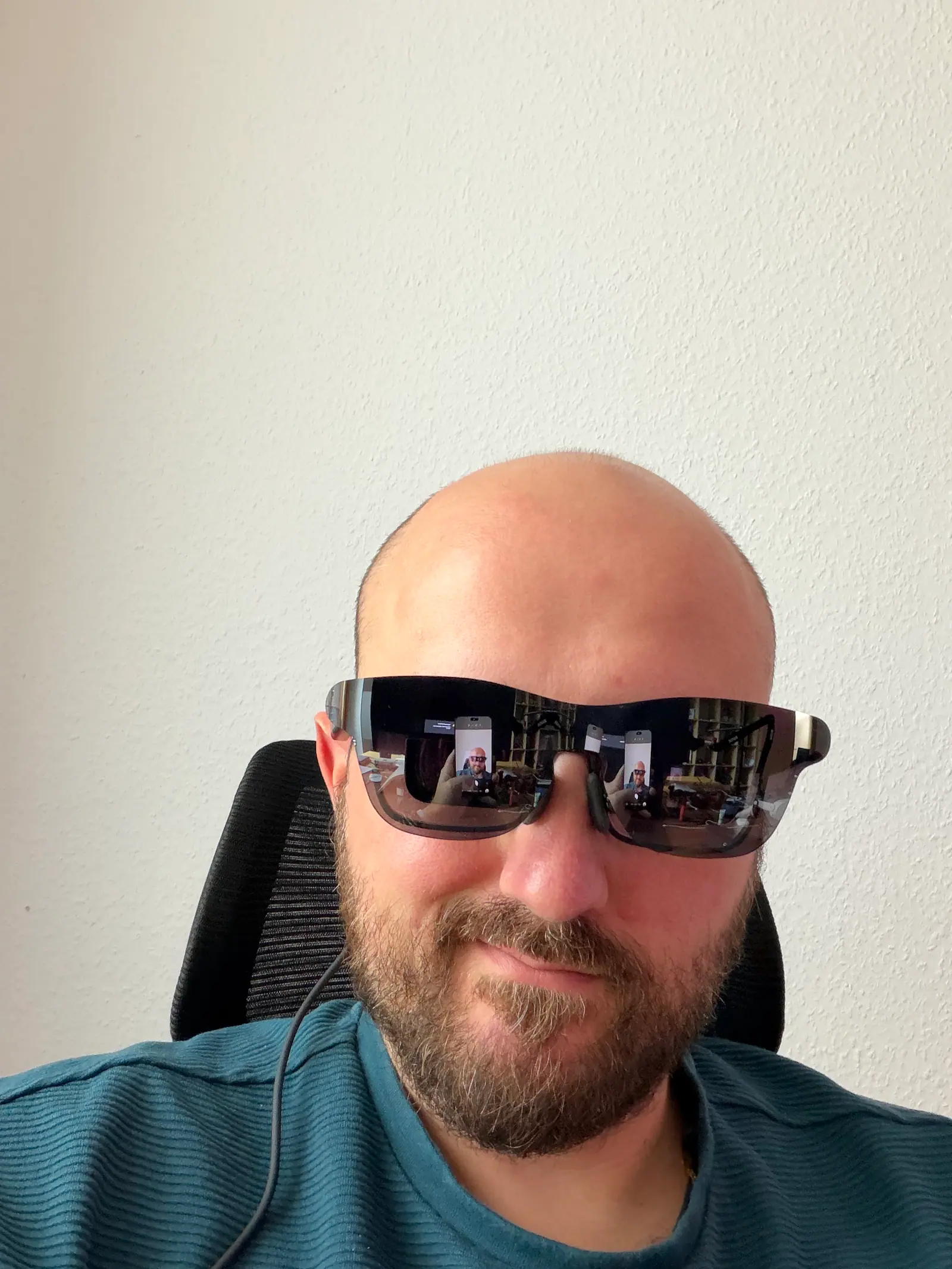
So I did my own test. Wearing the GT Max, the screen looks about as big as a 27 inch monitor sitting roughly 54 cm from your face. It is not an IMAX wall, but it is a big screen that fills your view without making you turn your head to see the corners, and for movies and games that is a really good size.
If you want to see it for yourself before buying, try our AR glasses FOV simulator. It runs in your browser, and on a Meta Quest you can open it in WebXR to get a feel for how the GT Max's 59° screen fills your view.
The picture is excellent. It is 1080p, colours pop and blacks are deep. Text is sharp enough that I could read emails in Mac Mail and browse websites easily.
Wearing them with glasses on
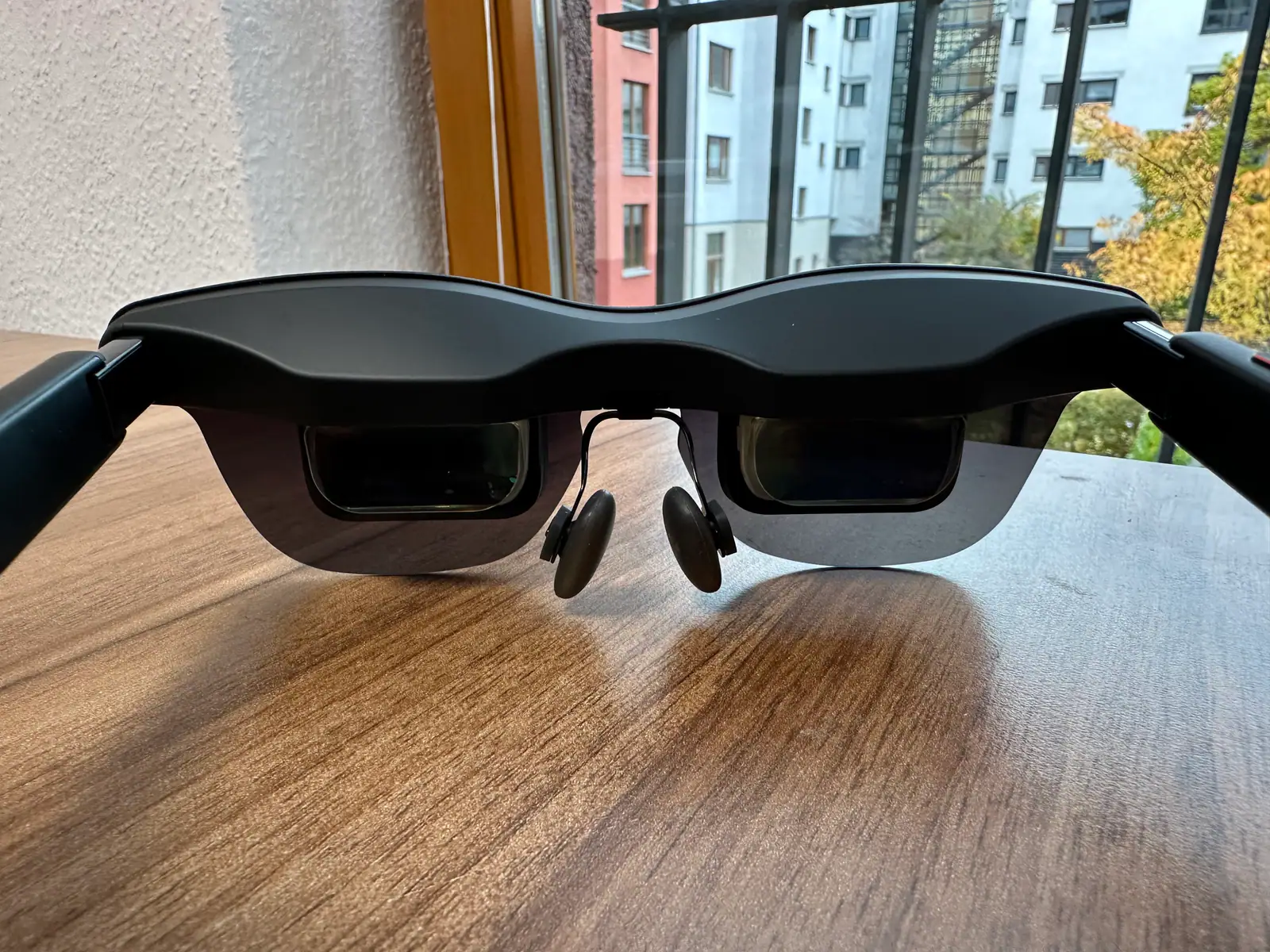
I wear glasses, and the prescription inserts I ordered still have not arrived. So for this whole review I wore the GT Max on top of my own glasses. Glasses on top of glasses. It works, and it was comfortable even for long hours, which honestly surprised me.
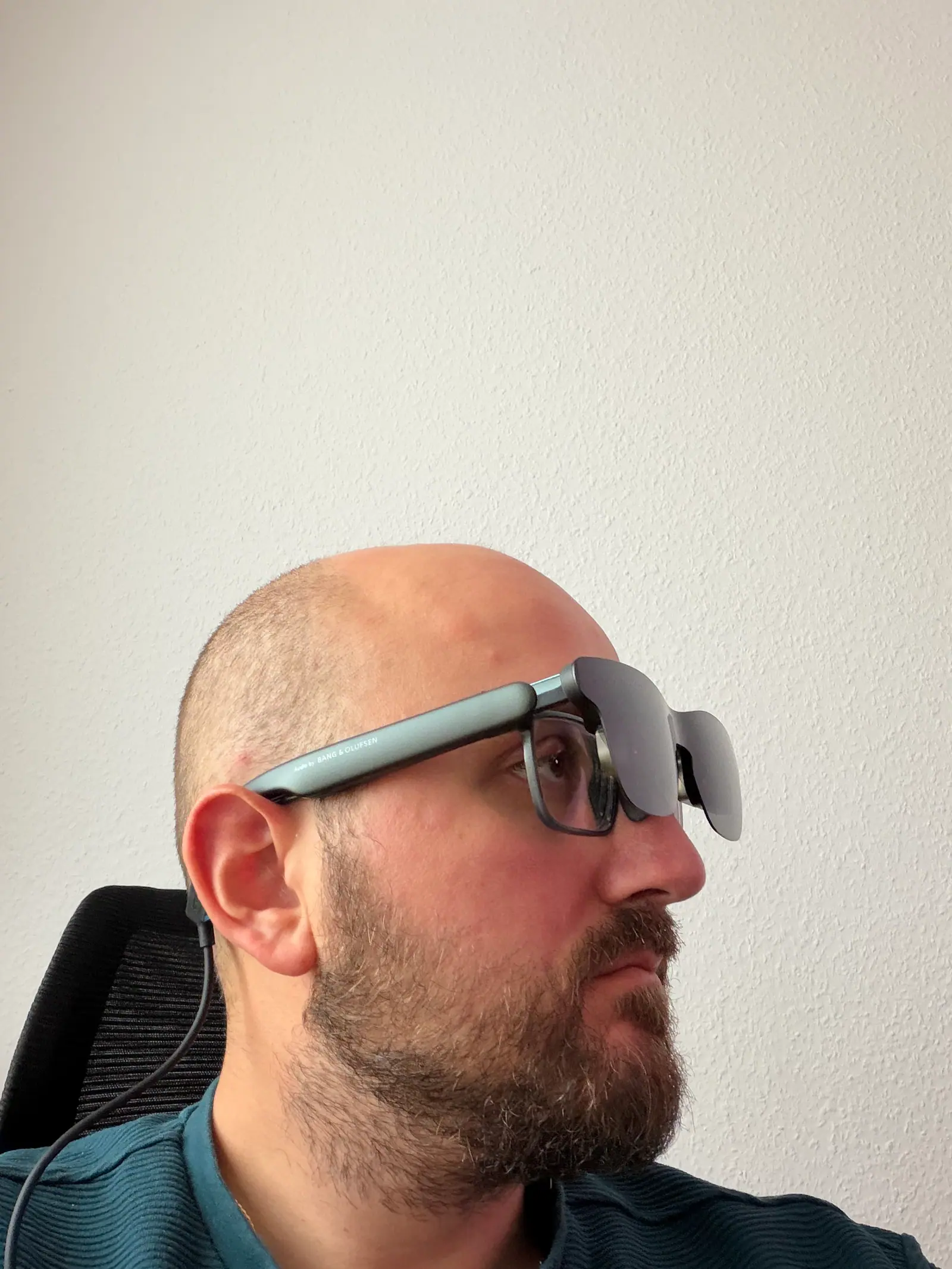
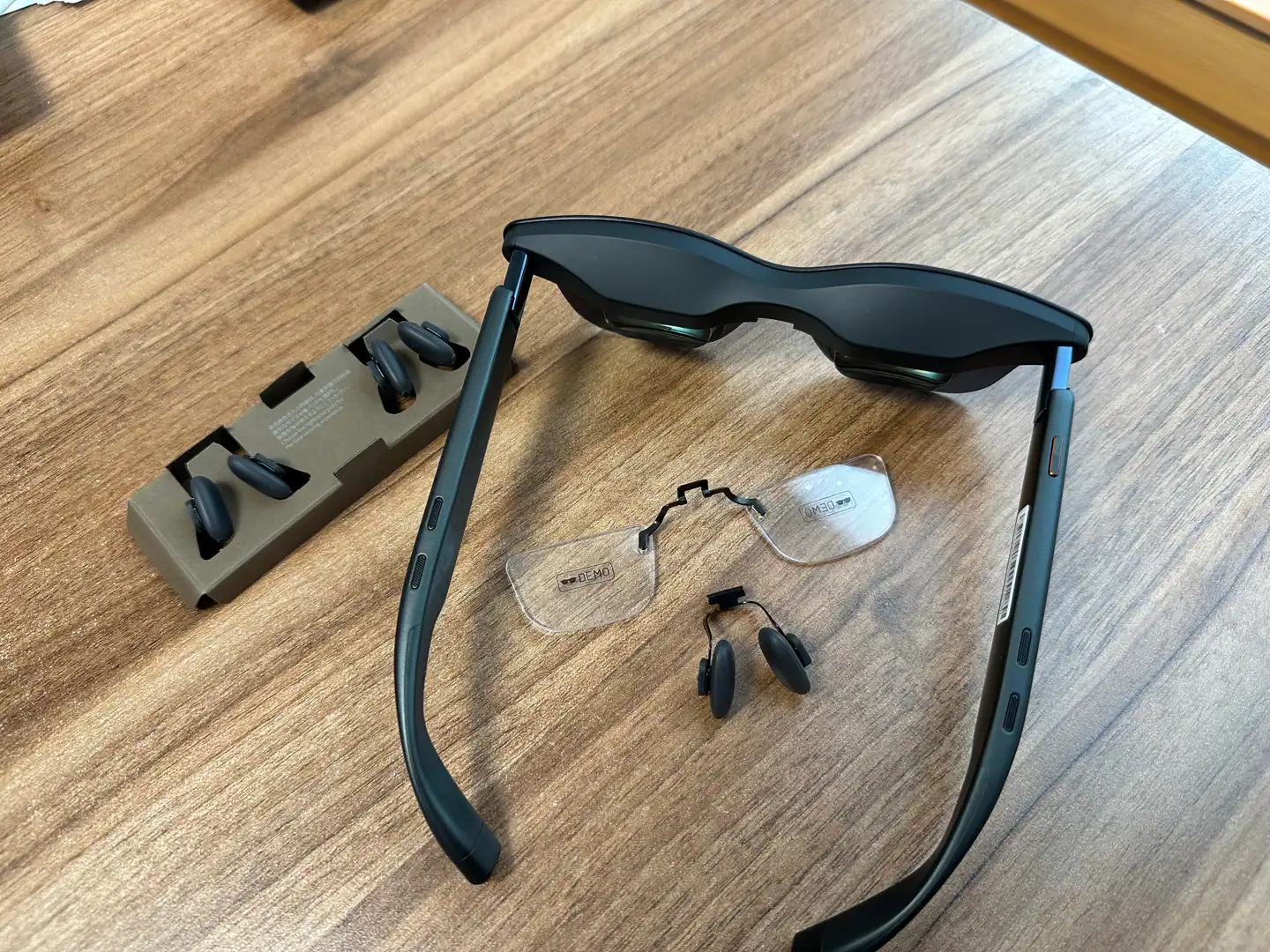
There is one catch. Wearing them over my glasses puts the lenses a little further from my eyes, so the right edge of the screen looks slightly blurry. Part of that might be on me too, because I was sent the medium IPD size and my IPD is 62 mm, which suits the small one better. It still looks great, and I expect it to get sharper once my prescription lenses arrive. They clip into the frame, much like how the nose pads swap out. If you can, pick the IPD size that matches you.
Movies and shows on iPhone: USB-C changes everything
I started with my iPhone 14 Pro, which still uses Lightning. The number of cables, dongles and adapters I needed to get a picture on the glasses was ridiculous, and not something a normal person would carry around. It technically works through the HDMI adapter, but Netflix and Disney+ would not play because of HDCP copy protection, and YouTube had no sound for some reason. If you have a Lightning iPhone, do not plan on using it with these.
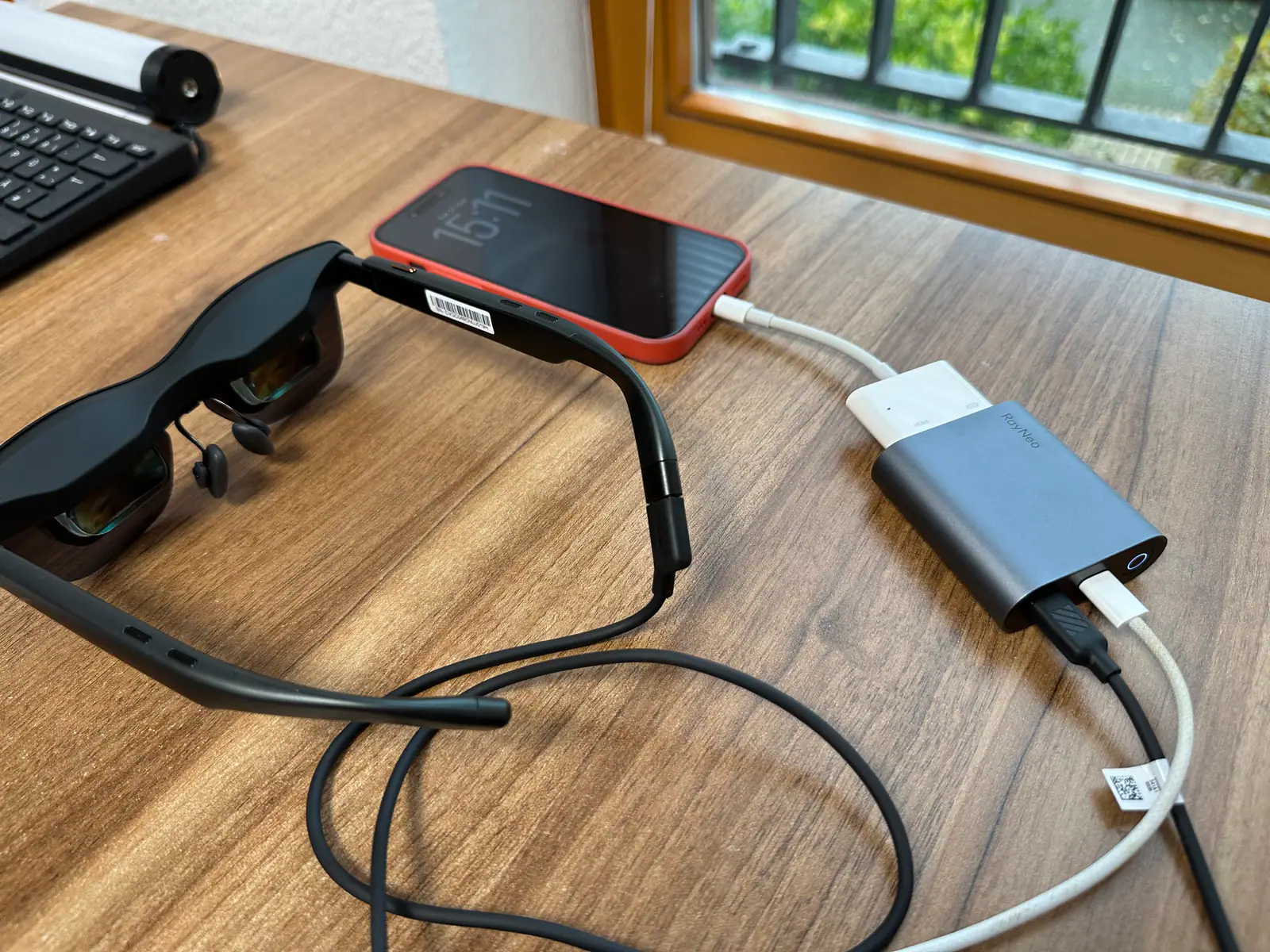
Then I got the iPhone 18 Pro Max, and it is a completely different experience. One USB-C cable and you instantly get a mirrored screen. It is as smooth as it gets.
The highlight was binging both seasons of Dark Matter in the Apple TV app. The picture looked fantastic. I watched four episodes in one go and battery drain felt about normal, since the 18 Pro Max has a beast of a battery.
Connecting to the iPhone also unlocks XR mode in the RayNeo app, which uses AI to turn a few sample videos or your own videos into 3D. It is a fun trick, but the results are so-so.
Pinned, Steady and Follow modes
Follow keeps the screen in front of you wherever you look, Steady smooths out small head movements, and Pinned fixes the screen in place so you can look away from it. All three work well, and the screen never drifted on me.
I did notice a slight green tint in Follow and Pinned that is not there in Steady. It is small, but once I saw it I could not unsee it, so I stuck with Steady.
Using it with a Mac
On my MacBook the GT Max works as an extended display, and the picture is clear and crisp.
What kinda sucks is that you only get one screen. Since you cannot really see the MacBook display while wearing the glasses, and multi-screen is not supported, you end up with a one-monitor setup. That feels like such a missed opportunity. Imagine pinning a bunch of screens around you like a wall of monitors. You cannot do that here.
PS5 and Xbox Series X: it works, but who has that setup?
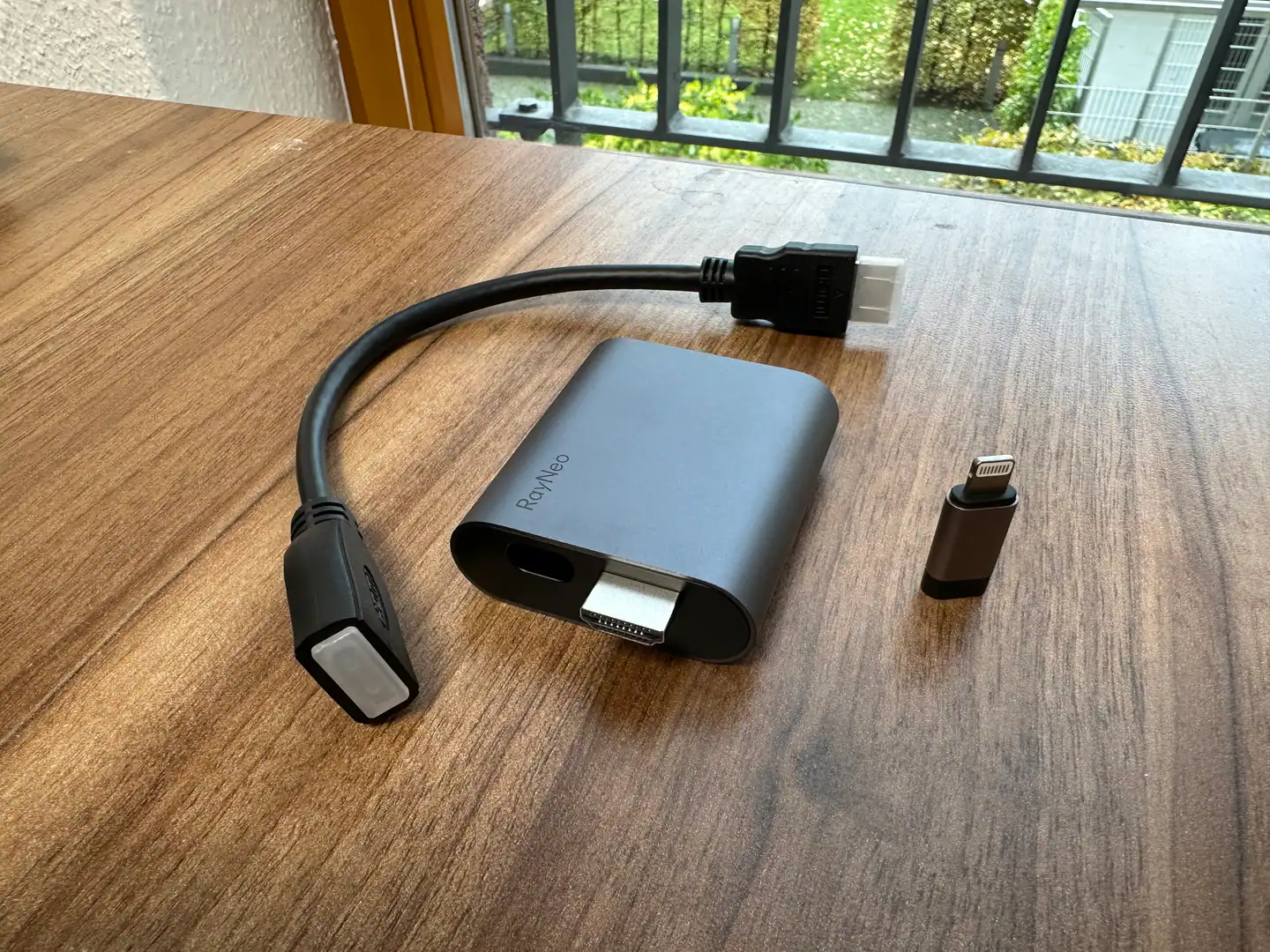
PS5 and Xbox Series X output HDMI, so you need RayNeo's HDMI adapter, sold separately. With it, both consoles worked, with no noticeable picture lag, and games looked great.
My problem is the setup. You run an HDMI cable from the console to the adapter, power the adapter, then connect the adapter to the glasses over USB-C. That is fine if your console sits on a desk next to you. If your consoles live in the living room under the TV, like most people's, I cannot see anyone doing this regularly.
A quick note on Switch 2. The JoyDock did not work for me for two reasons, both my fault. My clip was made for the original Switch, and I had not updated the JoyDock to support Switch 2. Update it first and get the right clip.
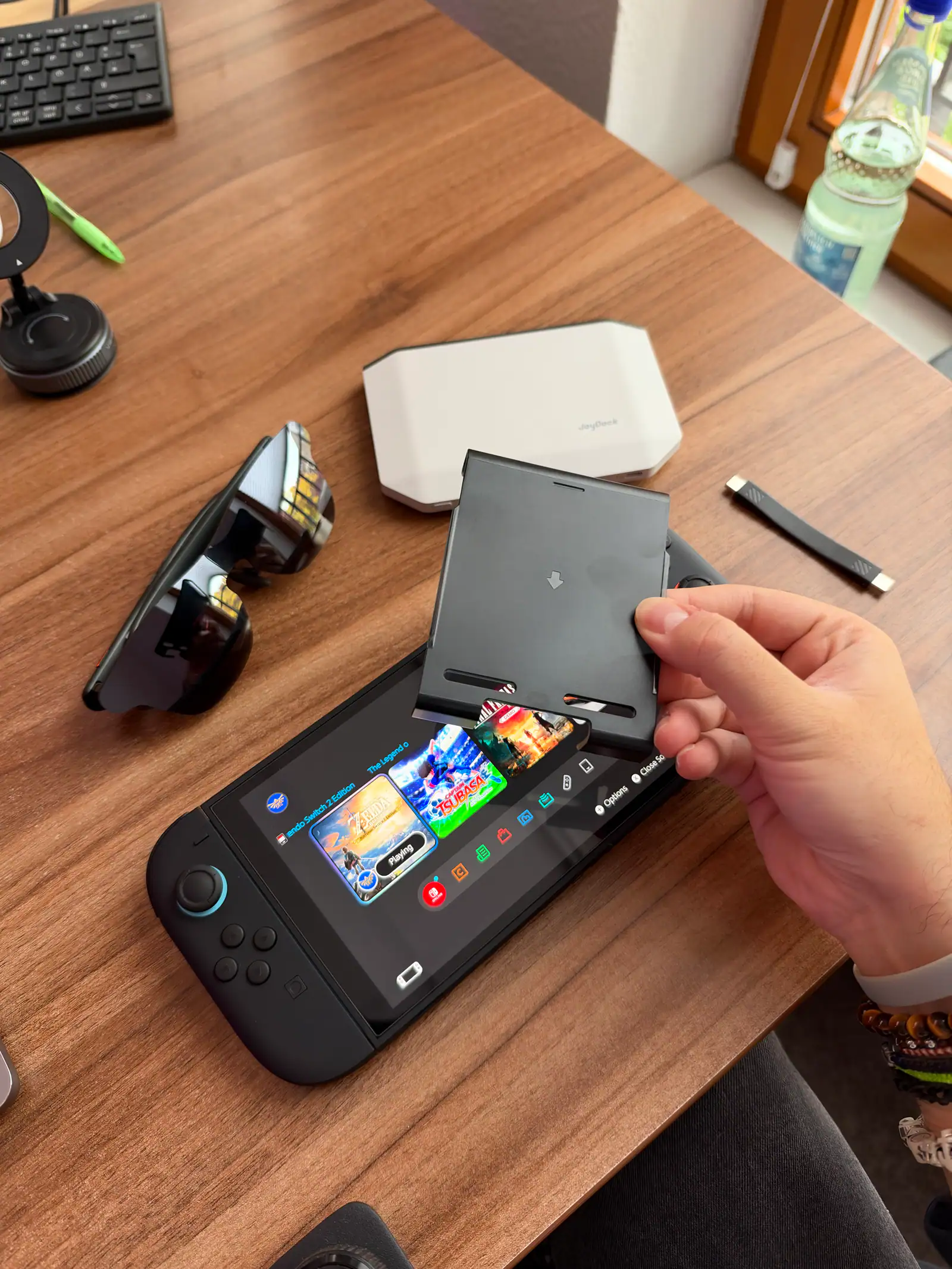
ROG Xbox Ally X: this is the dream setup
This is where the GT Max really shines. With the ROG Xbox Ally X, you plug in one USB-C cable and it is basically perfect.
Well, it was, until a ROG BIOS update changed how the Ally X sends power to its USB-C ports and the glasses stopped turning on. Thankfully there is a simple fix with a cheap USB-C dock, and I show it in my RayNeo not working on ROG Xbox Ally X fix guide.
The GT Max works with the Steam Deck too, using the same single USB-C cable. So far I have not seen any complaints about this USB-C power problem from Steam Deck owners, so if you game on a Deck you should be good to go.
Once it is working, it is incredible. The Ally X runs PC games, emulators and PS5 or Xbox remote play, so pair that with the GT Max and you can play the latest games sitting or lying in bed with your arms down, because you basically have a monitor strapped to your head. You can play GTA 6 through remote play wherever you go. How cool is that?
Games look gorgeous in 1080p, with great colours and deep blacks, and I did not notice any lag. A lot of the recent ROG Xbox Ally X reviews on this site were played on the GT Max. If you need ideas, check out our best ROG Xbox Ally X games list.
The right arm gets a little warm, but the heat sits near the hinge, which does not touch your head, so I never really felt it.
Sound, buttons and blocking out the world
The Bang & Olufsen-tuned speakers are fantastic and very immersive for something sitting next to your ears.
The buttons on the arms feel good and clicky. I always forget which one moves up and which moves down in the menu, but that is my fault.
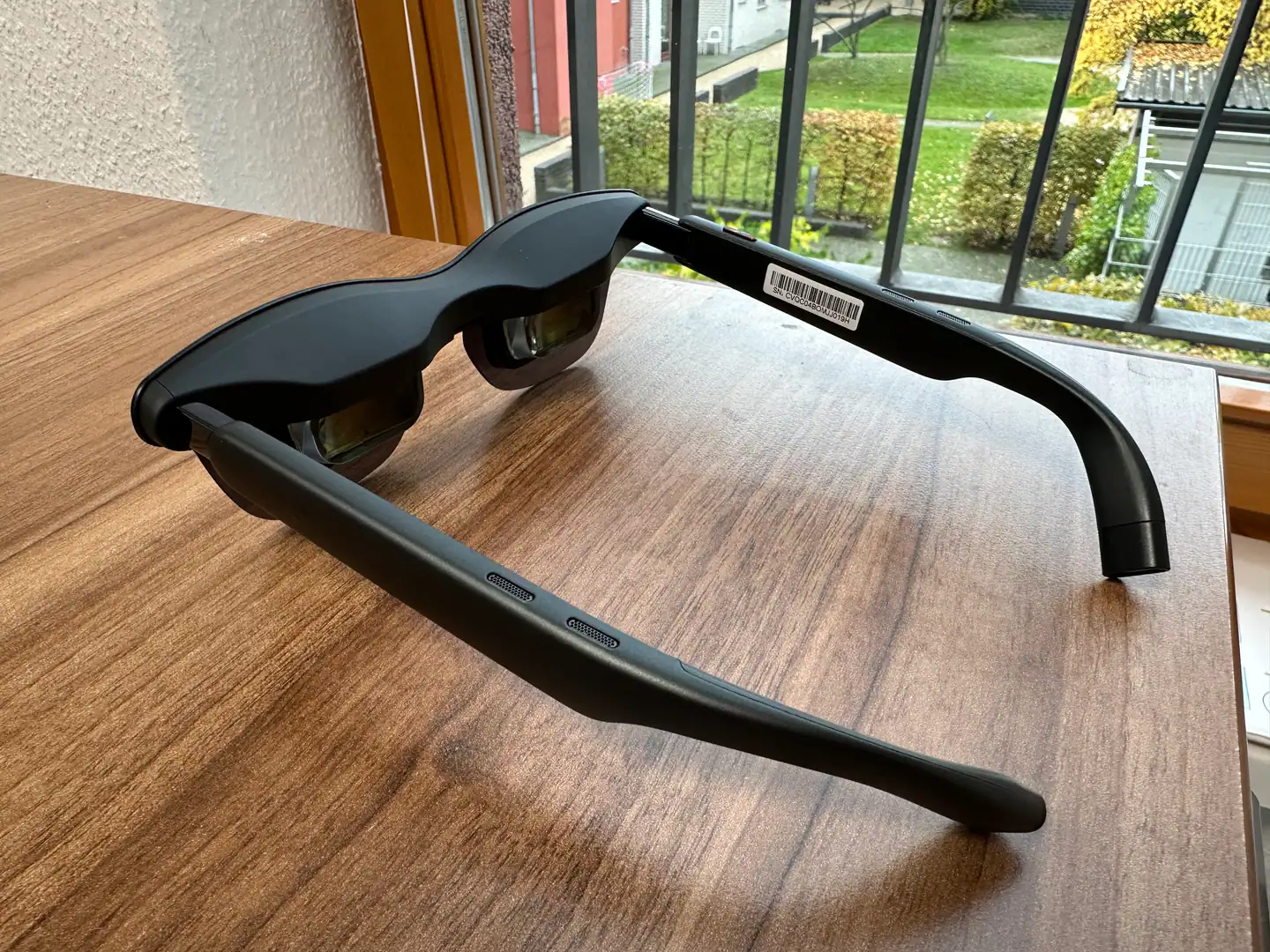
Without the blackout shade, you can still see the world behind the screen, so the picture looks a little transparent. It works, but I wanted full immersion, so I bought the blackout shade. It turns the GT Max into a private cinema, and I recommend it.
The weird stuff
You cannot update the glasses from the iPhone app. You need a computer and Chrome. It works, but it is clunky, and on Android the app can handle updates.
There is also the RayNeo Pocket Pro, a puck that runs Android and turns the GT Max into a standalone XR device. It looks like a really interesting add-on, maybe even a must-have, but I have not tried it yet.
Should you buy the RayNeo GT Max?
Judge the RayNeo GT Max as AR glasses and you will be disappointed. Judge it as a portable monitor and it is fantastic.
With a USB-C iPhone it is the clear winner for media, and with a Steam Deck or ROG Xbox Ally X it is an incredible way to game anywhere. The downsides are real but small: one screen on a Mac, a slight green tint in two modes, a console setup that only makes sense at a desk, and Lightning iPhones that are basically a no-go. If those do not get in your way, these are easy to recommend.
Want to see how the GT Max looks in real life? I have posted videos of the glasses on my socials, so make sure to follow me on TikTok, Instagram, YouTube, Facebook and X. Thanks for reading!