A cinema screen.
In your own space.
Get a feel for AR glasses before you put them on. Explore RayNeo and XREAL viewing windows, pin a screen in space, and see where the picture ends.
Best experienced on Quest
Use passthrough with soft tint. Your own room provides the scale; the fading shade gives the display its place.
Explore the simulator ↘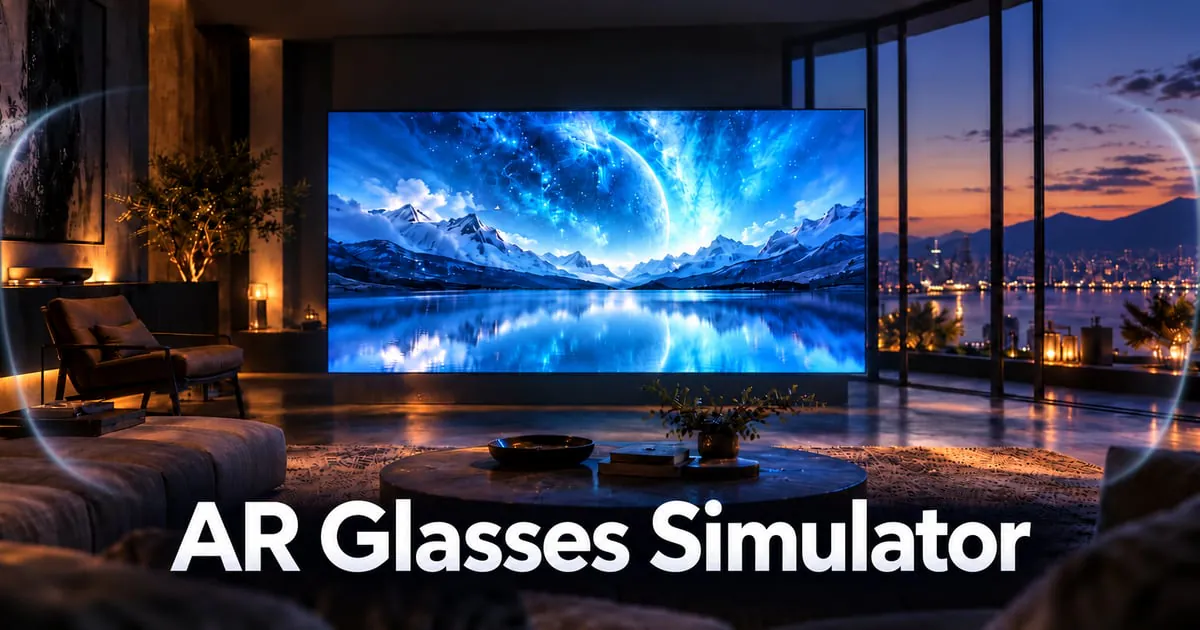
Your glasses lab
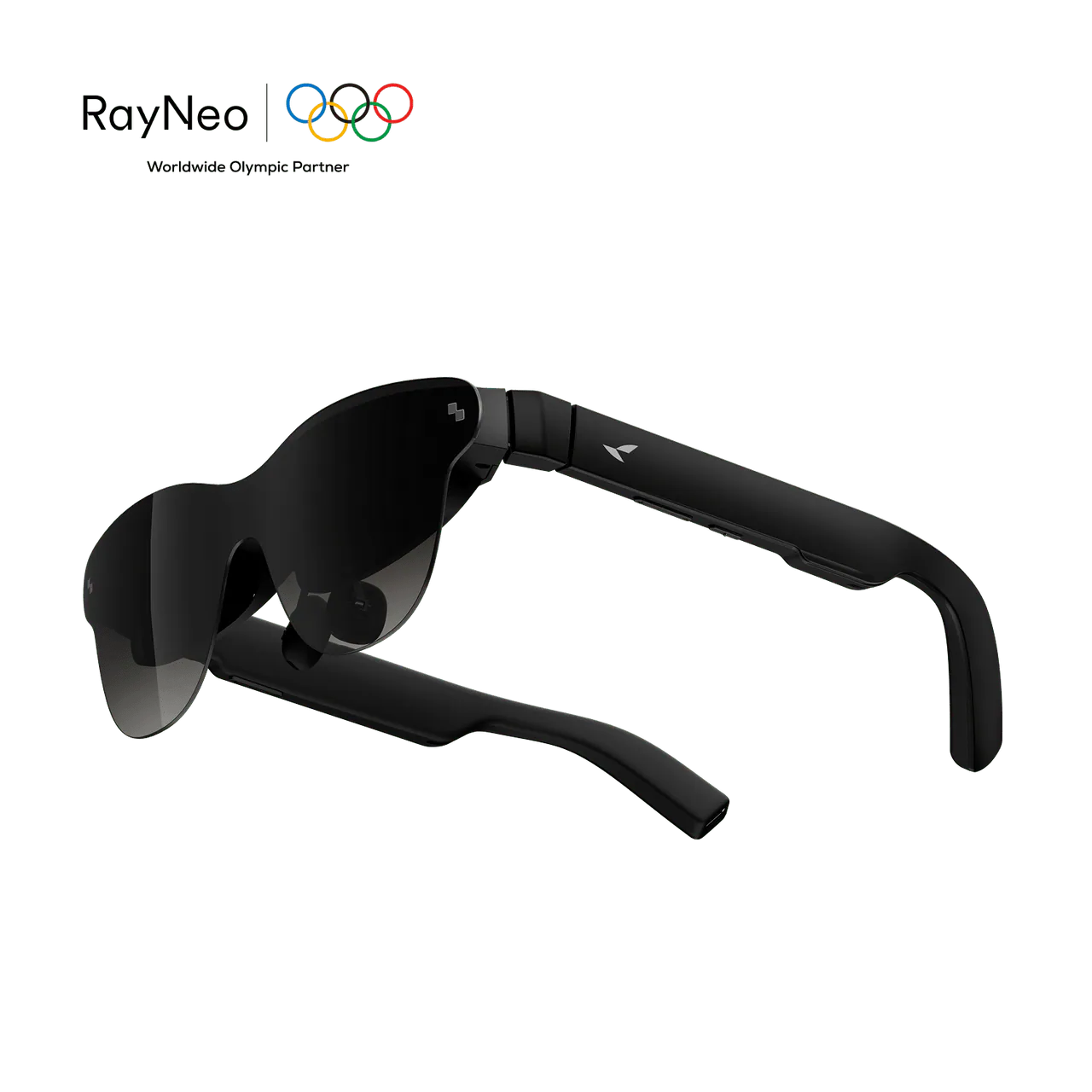
RayNeo GT Max / 59° advertised FOV
Pinned in space · 100% screen
Start with passthrough + soft tint. Open this page in Quest Browser to see the screen in your own room. XR buttons activate on compatible devices.
Controller: trigger selects · B/Y or grip shows controls · A/X compares FOV · stick click recenters. Exit XR is in the floating menu.
Compare the display windows
RayNeo vs XREAL: compare the angles
| Glasses | Advertised FOV | Estimated H × V |
|---|---|---|
| RayNeo GT Max | 59° | 52.5° × 31.0° |
| XREAL One Pro | 57° | 50.6° × 29.8° |
| XREAL One | 50° | 44.2° × 25.8° |
| RayNeo GT | 46° | 40.6° × 23.5° |
Keep your room in view
Passthrough and soft tint are the recommended starting point. The center is shaded, with a gradual fade into the world around you.
Find the edges
Pin the screen, turn your head and watch the image meet the display boundary. Compare 85%, 100% and 115% content sizes.
Choose how it moves
Leave the screen in place, attach it to your head, or use smooth follow for a gentle catch-up after each movement.
A useful preview.
An estimate of the optics.
Advertised FOV figures are modeled as diagonal angles for a 16:9 display. The GT Max content size is informed by an owner comparison. The 115% edge curve and smooth-follow response are illustrative. Fit, eye position, lens distortion and your headset’s own optics affect what you see.
Soft tint estimates the impression of shaded lenses with a dark center fading into transparency. It does not reproduce real lens transmission or brightness. Blackout is a comparison view that isolates the display.
Sources: RayNeo GT series · XREAL One specifications
AR glasses FOV, explained
Can I compare RayNeo GT Max and XREAL One Pro FOV on Quest?
Yes. Open this page in Quest Browser and enter VR or AR passthrough when supported. Use the floating controller menu to switch glasses, compare screen sizes and exit WebXR.
Is a 59 degree FOV the horizontal viewing angle?
This simulator treats the advertised single FOV as diagonal and assumes a 16:9 image. Horizontal and vertical bounds are derived using tangent geometry. These are estimates rather than measured device optics.
Why does the screen disappear when I turn my head?
In pinned mode, content stays in the room while the modeled display window moves with your head. Content outside that window is clipped. Follow mode keeps the screen in front of you.
Do AR glasses block everything outside the screen?
Optical see-through glasses leave the surrounding world visible, with appearance affected by lenses and dimming. Clear surroundings is the baseline here. Soft tint uses a dark center that gradually fades into transparency. Blackout isolates the display for comparison.