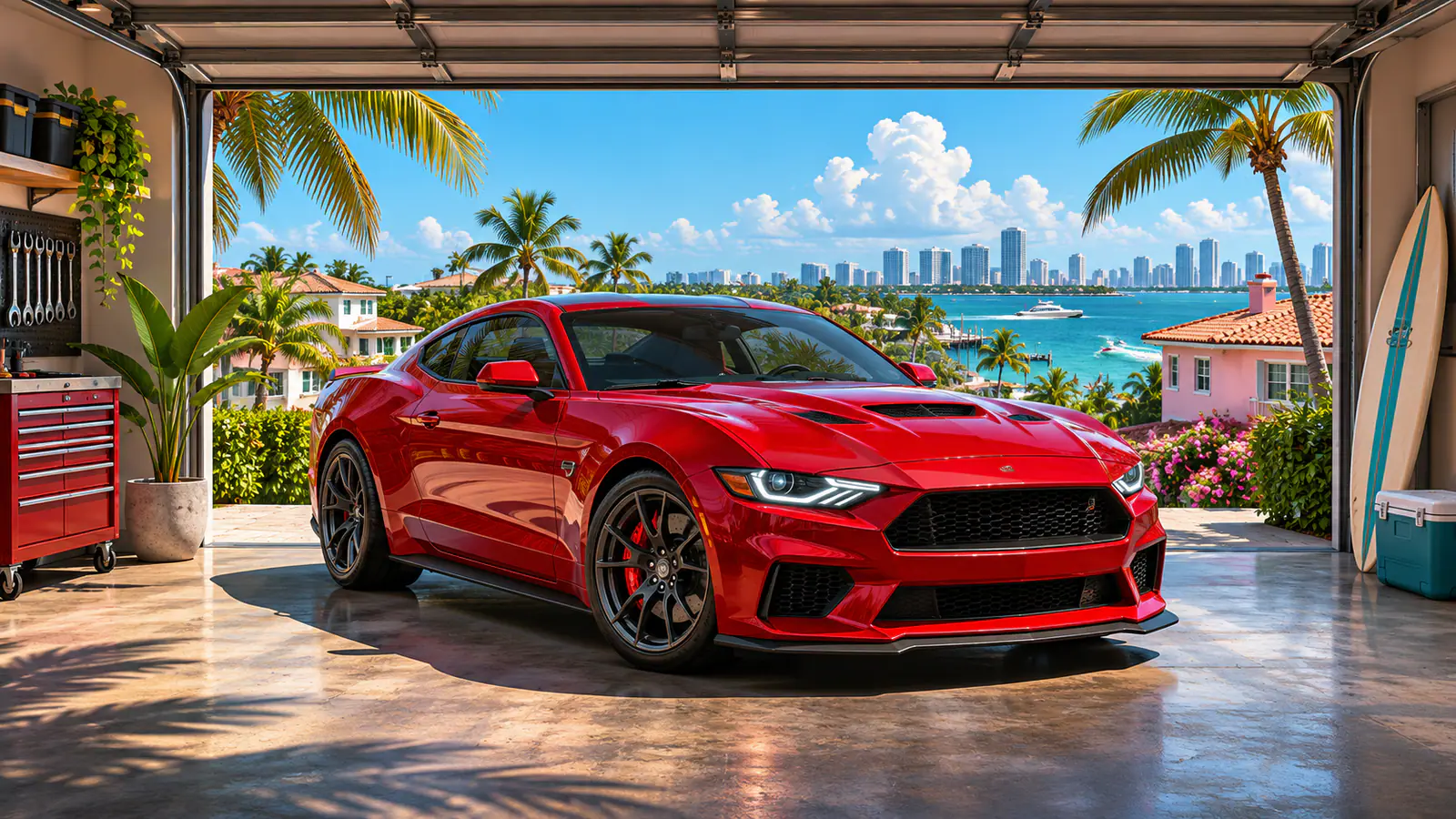
Register a car at Moses’s garage in Chapter 2 to make it a personal vehicle. The car needs to be tracker-free at first. By Chapter 3, you can also register cars with a Standard Tracker once Pay ’n’ Spray opens that service.
How to register a car with Moses
- Play the story until Moses (Take a Vehicle to Moses) introduces his garage in Port Gellhorn. In Chapter 1, Jason’s starting car is your permanent vehicle.
- Scan the car you want to keep with WAiNK and check its tracker status. From Chapter 2, look for a car with no tracker.
- Drive it into Moses’s garage and select Register. The Sell option is for cars you want to turn into cash.
- If your only slot is occupied, decide whether to sell the current car or buy more garage space before registering the new one.
What each tracker type means
| WAiNK result | Where to take the car |
|---|---|
| No tracker | Moses in Port Gellhorn, after his Chapter 2 introduction |
| Standard Tracker | Pay ’n’ Spray once vehicle registration opens in Chapter 3 |
| Advanced Tracker | Check Randy’s wish list if you want to sell it. He buys select high-end models after the Chapter 3 Key Cloner mission. |
How to get more garage slots
You start with one slot. Later in Chapter 2, the Vice City Real Estate phone app lets you buy more garages. Check your space before bringing in a replacement, especially if you’d like to keep your current car. If you’re looking for a buyer instead, see how vehicle sales fit into the story mode money route.
Source credit goes to PowerPyx.