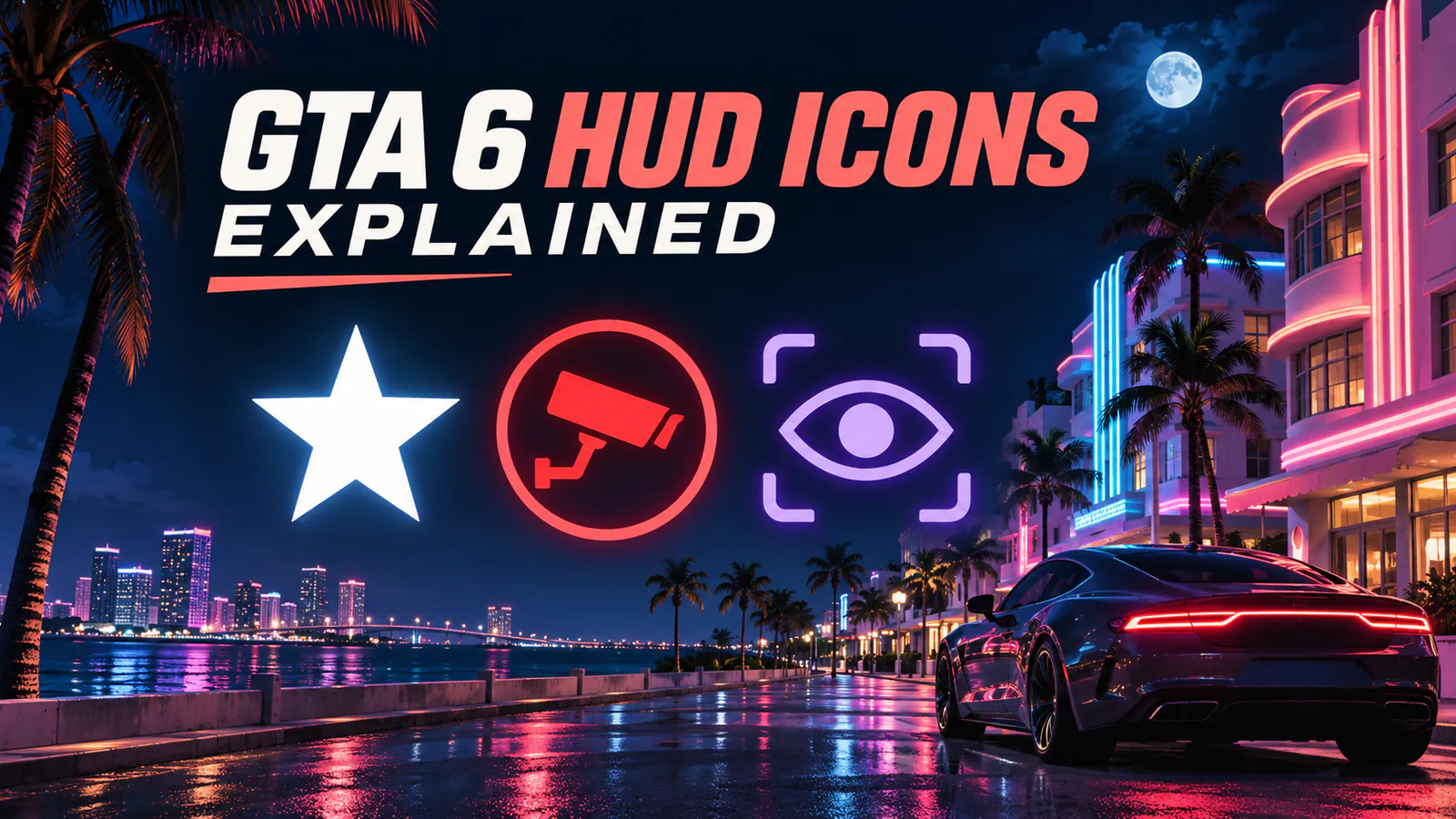
In GTA 6, the stars in the top right show your wanted level, and their color or animation can also signal the stage of a pursuit. The red icons beneath them point to what police may have identified. In the top left, the heart, lightning bolt, and eye track health, stamina, and Focus.
These meanings are based on interpretations of pre-release footage. Exact triggers for changing pursuit states or clearing identification markers still need in-game verification.
GTA 6 wanted stars
The number of lit stars indicates how high your wanted level is. Use the stars’ fill and animation to read what the police are doing.
- Outlined star
- Police are investigating an incident and may have no description of your character yet.
- Gray star
- Police are actively searching the area for a suspect.
- Solid white star
- Police know where your character is and are in active pursuit.
- Flashing star
- Police have lost sight of your character. The chase is still active.
- Dark red star
- The immediate chase has ended, but police may still be on alert inside the search area.
Criminal Profile icons and hit markers
Look for faces when the game reacts to Jason or Lucia’s actions and X-shaped marks at the crosshair when a hit lands. The fan charts read them this way.
- Smiling face with a halo
- Positive Criminal Profile feedback, associated with friendly or helpful actions.
- Gray face
- Neutral Criminal Profile feedback. Its effect on the story is unclear.
- Angry face
- Negative Criminal Profile feedback, associated with aggressive actions.
- White hit marker
- A regular hit that leaves the target able to fight.
- Pale gold hit marker
- An incapacitating hit.
- Red hit marker
- A fatal hit.
Red police identification markers
If a red circle appears below the wanted stars, the symbol inside tells you which detail police may recognize about your character.
- CCTV camera
- A security camera recorded the incident.
- Clothes hanger
- Police have identified the clothes your character is wearing.
- Two silhouettes
- Police are looking for a group or for Jason and Lucia together.
- Car
- Police have identified your character’s vehicle.
- Single silhouette
- Police have a description of your character’s appearance.
Health, stamina, Focus, oxygen and money
The main meters appear together when the weapon wheel opens in the preview. The lungs and O₂ icons distinguish two different air supplies, and the purple money icon sits beside a balance.
- Pink heart
- Remaining health. The white divider appears to mark where bonus health begins.
- Teal lightning bolt
- Stamina for activities such as sprinting, cycling, and swimming.
- Purple eye
- Focus, a resource for heightened awareness and precision aiming.
- Lungs
- Breath remaining while underwater without scuba gear.
- O₂
- Air remaining in your scuba tank.
- Purple money icon
- The banked balance shown in the fan chart. The meaning of the ring around the icon is unclear.