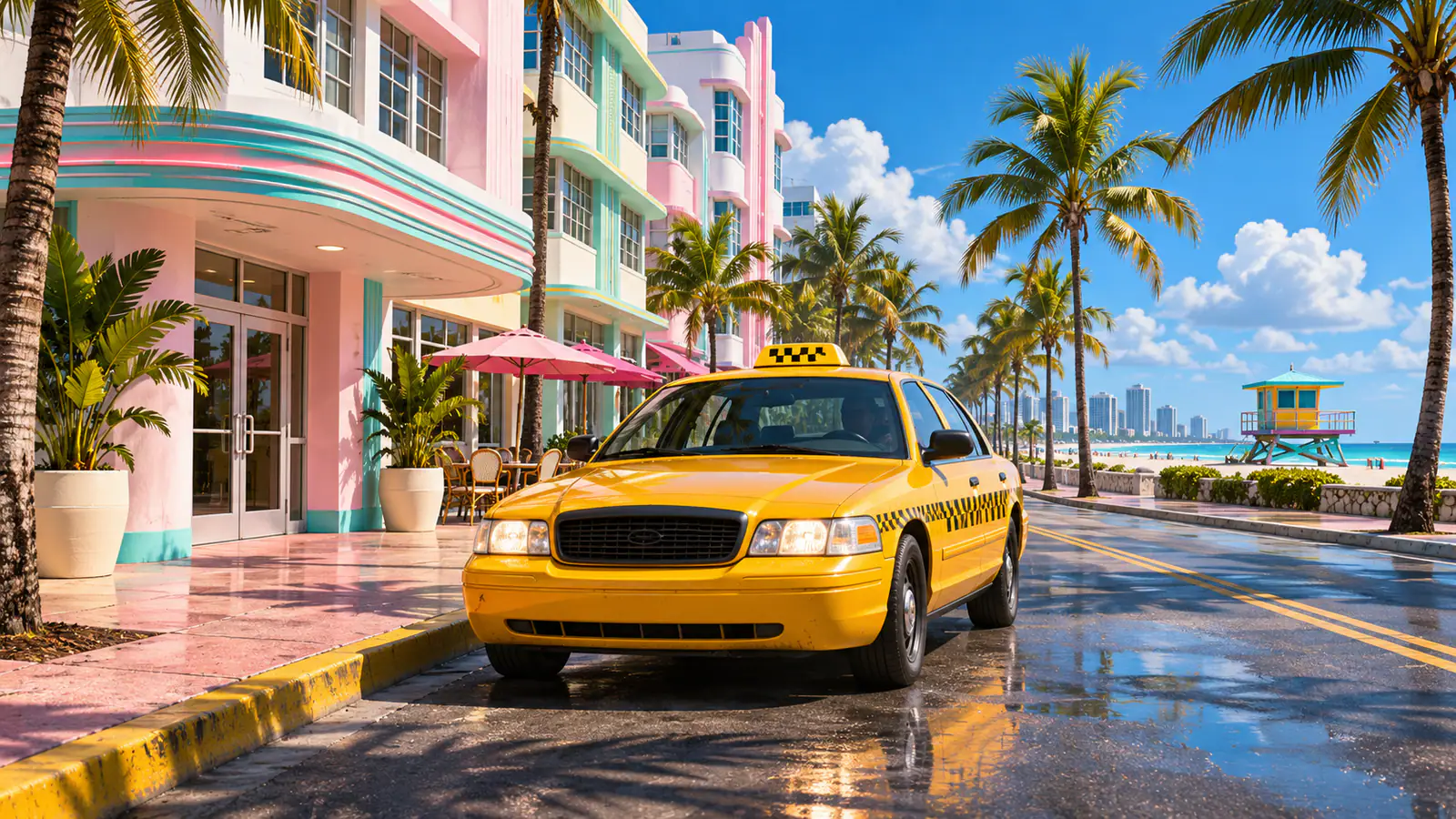
To fast travel in GTA 6, get into a taxi or RydeMe, set a waypoint, and use the driver’s $100 skip option. The skip charge is on top of the normal ride fare. You can start using taxis after the first mission, Gone Fishing.
Fast travel with Paradise Taxi in Chapter 1
- Press Up on the D-pad to open your phone. Go to Contacts → All Contacts → Paradise Taxi and wait for the call to connect.
- Open the world map and place a waypoint at your destination. A location in an unexplored part of the map works too.
- Look for a white car icon on the minimap when the taxi arrives. If you’ve hidden the minimap, bring it back up to see where the car stopped.
- Get in and use the interaction prompt to talk to the driver. Choose the $100 skip when prompted to jump to your waypoint.
Use RydeMe from Chapter 2
Open RydeMe from the phone, set your destination, and pay the fare. When the driver arrives, get in and choose the same skip option. The RydeMe fare depends on distance, while the skip fee stays at $100. If the app says there’s no driver available, call Paradise Taxi from Contacts.
If fast travel isn’t working
- You can’t find the app. Use Paradise Taxi in Chapter 1. RydeMe becomes available in Chapter 2.
- You placed a pin and nothing happened. The pin sets the destination. Call a ride and use the prompt inside the car to skip.
- The price is more than $100. You’re paying for the ride as well as the skip. Driving yourself can save cash on short trips early in the story. How to earn money by chapter
Source credit goes to PowerPyx.