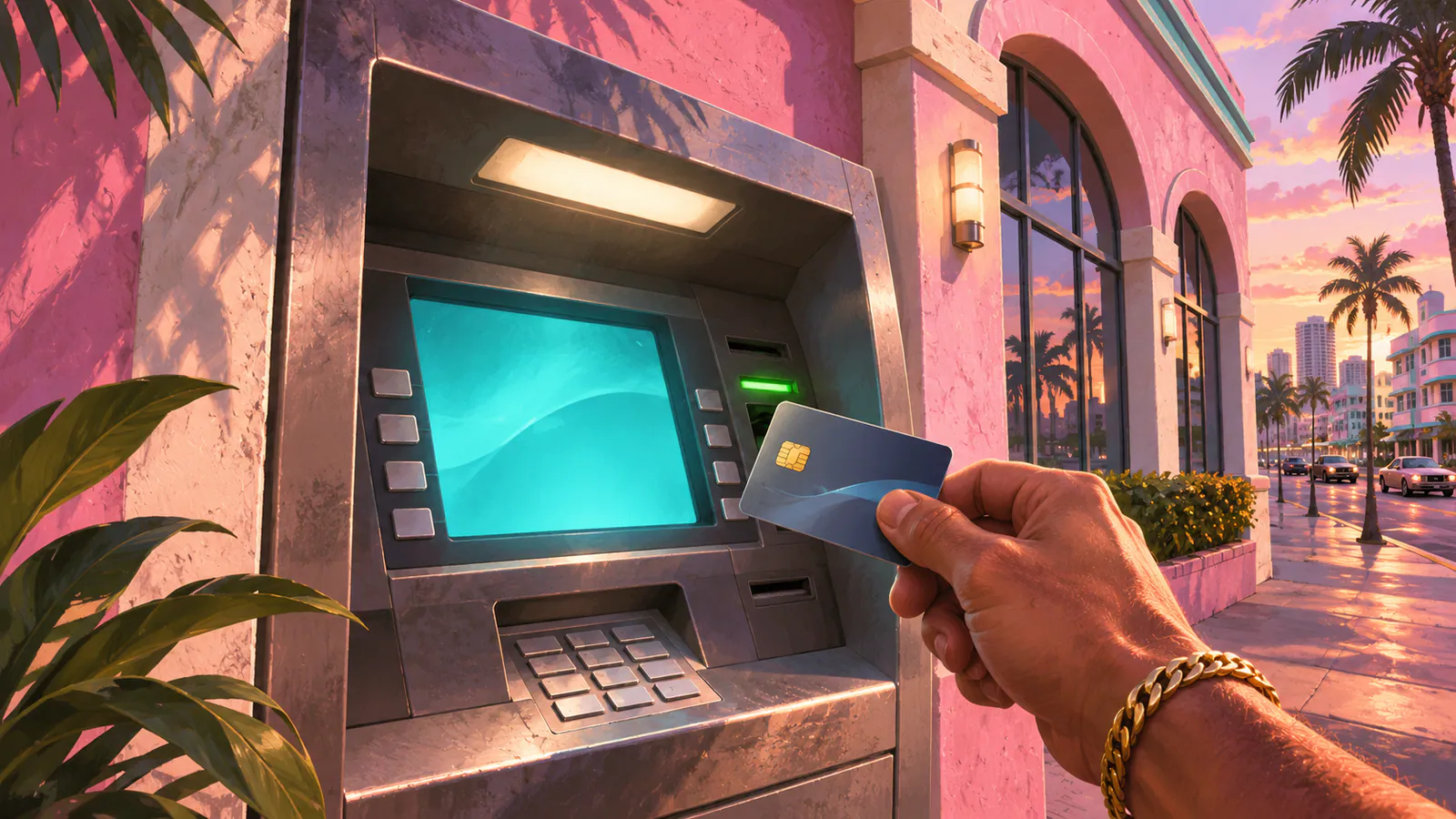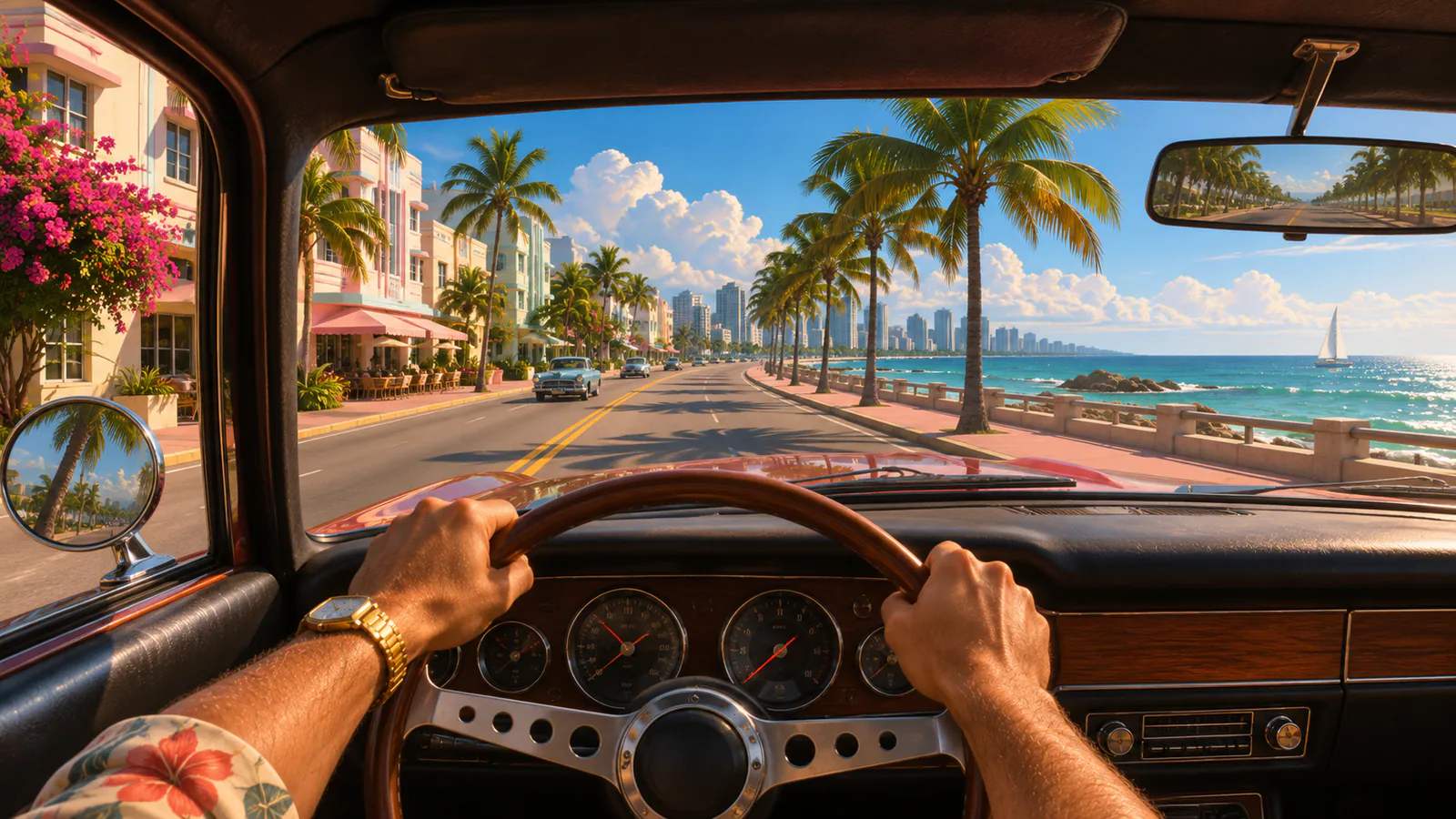
A player demonstrated a temporary GTA 6 first-person camera glitch on PS5 using the phone and touchpad while sitting in a car. Treat it as a launch-version workaround. It may fail on your build or stop working after an update.
How to try the first-person camera glitch
- In free roam, make a manual save in a separate slot.
- Open Settings → Controller, find Touch Pad Button, and assign it to Camera.
- Sit in the driver’s seat of a car and press D-pad Up to open the in-game phone.
- Press Circle to close the phone, then immediately tap the touchpad several times.
- If the view stays in third person, open the phone and repeat the transition.
How to return to third person
If the camera gets stuck, reload the manual save you made first. You can restore your original touchpad assignment in Controller settings. The demonstrated sequence uses the DualSense touchpad and Xbox behavior is unverified.
For regular camera adjustments such as shake, blur and on-foot camera bob, see the GTA 6 settings guide.