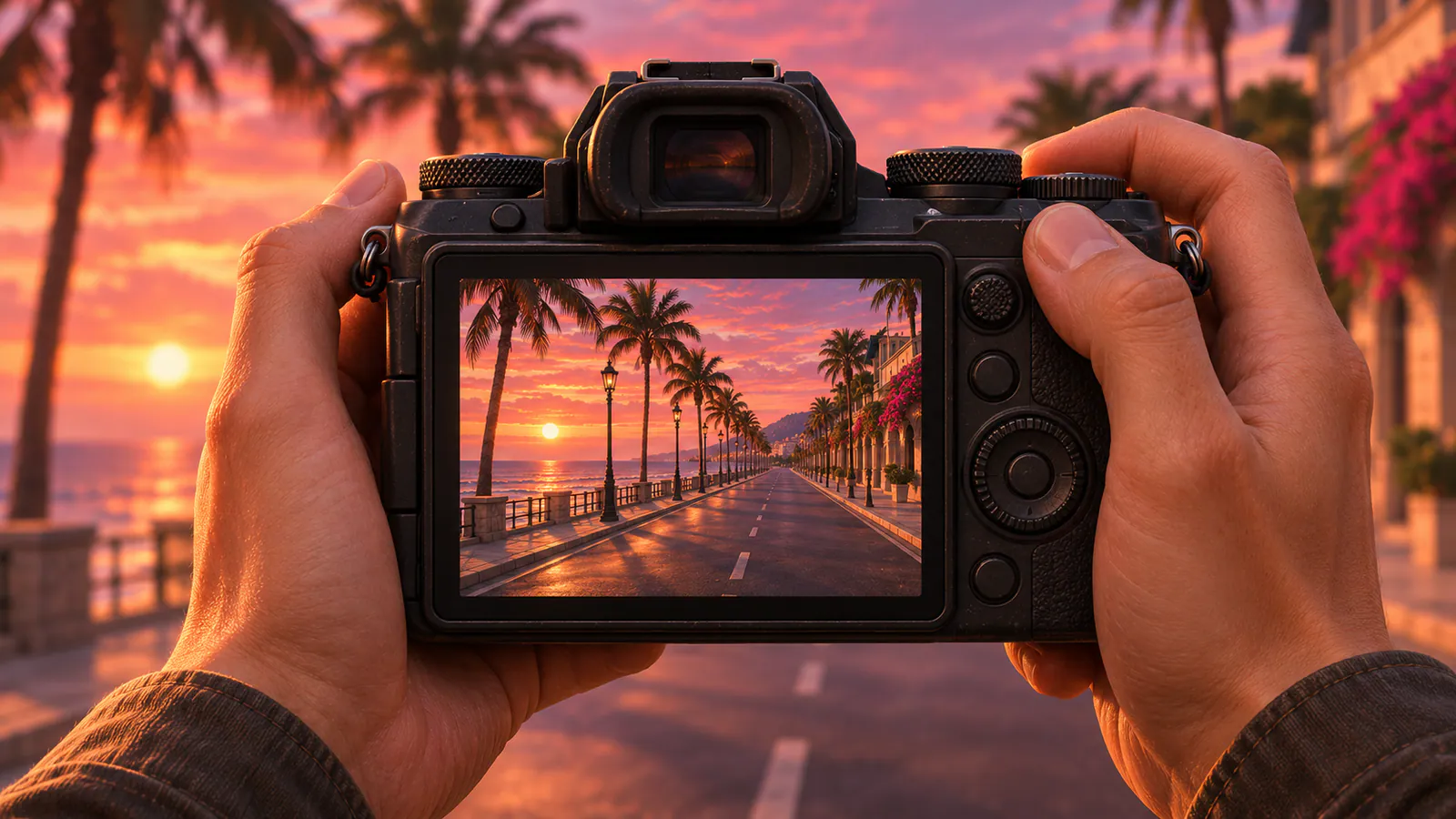
GTA 6’s photo mode is called Photo Studio. Pause the game and open the Photo Studio tab, or press Square on PS5 or X on Xbox in the pause menu. It’s available from the start of the game, including in many cutscenes.
How to open Photo Studio
- Press Options on PS5 or Menu on Xbox to pause.
- Go to the Photo Studio tab. It sits between Help and Settings. Pressing Square or X on the pause screen takes you there too.
- Move the camera around your character, adjust the settings and save the shot.
Some options show as currently unavailable during cutscenes. The camera can’t go far from your character, so frame the shot from where you’re standing before you open Photo Studio.
What you can change
- Framing: aspect ratio, and showing or hiding your character.
- Focus: depth of field and aperture, with a guide that shows what’s in focus.
- Image: exposure, contrast, shadows, sharpness, grain, color temperature and gamma.
- Lights: several lights at once, each with its own color and intensity.
- Looks: preset filters and a vignette.
You can’t change the time of day or weather, so come back later if you want a sunset or a storm. Photo Studio has no pose menu. For poses, use the phone camera.
Where your photos are saved
Photo Studio shots go to your console’s capture gallery, not the in-game phone:
- PS5: open Media Gallery from the home screen. If capture auto-upload is on, the photos also show in the PlayStation App.
- Xbox: go to My Games & Apps → Apps → Captures.
If you see a Couldn’t Save message, hide the interface and take a screenshot with Create on PS5 or Share on Xbox instead.
Selfies with the phone camera
Press Up on the D-pad to bring up the phone and open Camera. The rear camera has a grid, zoom and filters. Switch to the front camera for selfies, then choose a pose, a facial expression or a partner pose when Jason and Lucia are together.
Phone photos stay in the phone’s Gallery app and can’t be exported. If you want a copy, take a console screenshot of the photo.
Can you post to Snapmatic?
No. Snapmatic is on the phone, but you can only browse, like and read comments on other people’s posts, and mark on your map where a photo was taken. Jason and Lucia can’t post.
Be careful sharing shots of nude scenes on Xbox. They can be taken down by moderation, even when they come from story cutscenes. For more spots worth photographing, try GTA 6 Easter eggs and where to find them.
Source credit goes to Output Lag and Insider Gaming.