Cozy Game Restoration scratches a very specific itch, but struggles to give all that cleaning a purpose
Look, I am that guy in real life. Give me a toothpick and something with tiny grooves full of schmutz, and I will happily sit there digging it all out. I enjoy that to a slightly concerning degree. A game about carefully cleaning old cartridges and discs should have been made for me. Cozy Game Restoration is, to a point. The problem is how quickly I reached that point.
Your grandfather wants you to rebuild his game collection, which gives you an excuse to spend your days bringing battered games back to life. There are 108 unique titles to collect, with fictional names and familiar cartridge shapes that lean into retro nostalgia. It is a pleasant setup. I just wanted that collection to mean more once the pleasure of cleaning the first few games started wearing off.
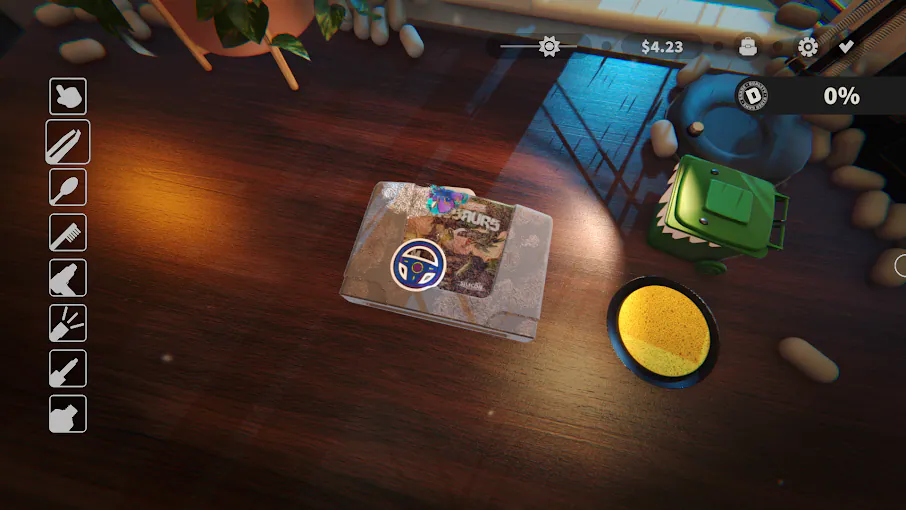
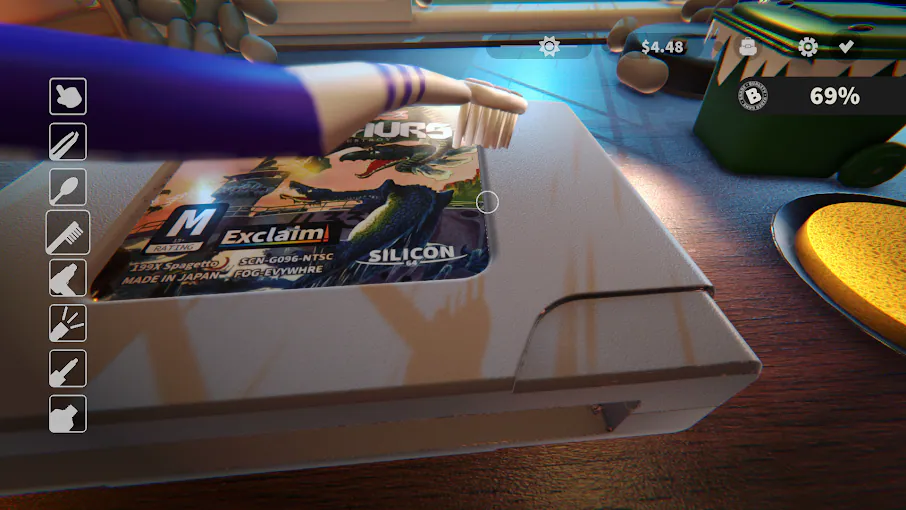
At the desk, each tool has a straightforward purpose. The toothbrush gets into grooves and ridges, a cotton tip handles dirt, and tweezers let you peel away stickers. Other tools help with residue, marks, and scratches. Switching between them gives a restoration a nice sequence of little jobs. You identify the mess, pick something suitable, and gradually uncover the game underneath. There is an immediate satisfaction to making something filthy look cared for again.
Peeling stickers is probably my favorite part. It has exactly the sort of small, fiddly appeal I came here for, and brushing dirt out of a cartridge's crevices comes close behind. Those individual actions work. I could happily spend a short session fussing over one game, getting it looking respectable, and putting it away. For someone who already likes this stuff, there is very little explanation needed. The appeal is right there under the grime.
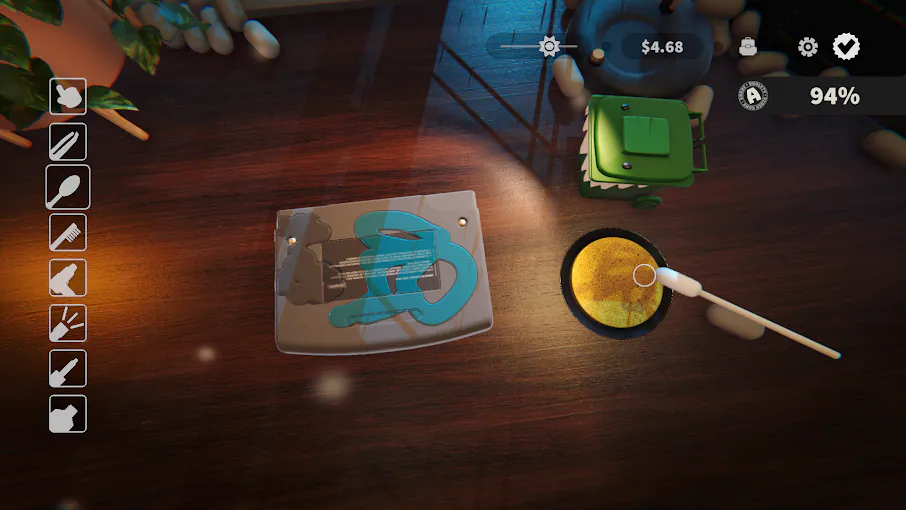
Unfortunately, what you do on that first restoration is largely what you will do on everything that follows. Different cartridges and discs give you new objects to look at, but the routine barely changes. After roughly five games, I had already started feeling the repetition. A collection of 108 titles sounds generous until you realize how much of that time will involve repeating the same handful of motions.
The presentation helps. The old plastic, labels, and recognizable shapes give the objects character, while the quiet room and gentle background music suit the pace. Watching the dirt disappear is the strongest visual reward. I like the modest scale of it all, too. There is something appealing about sitting at a desk with one grubby cartridge. It is just harder to maintain that interest when the next parcel promises more of the same.
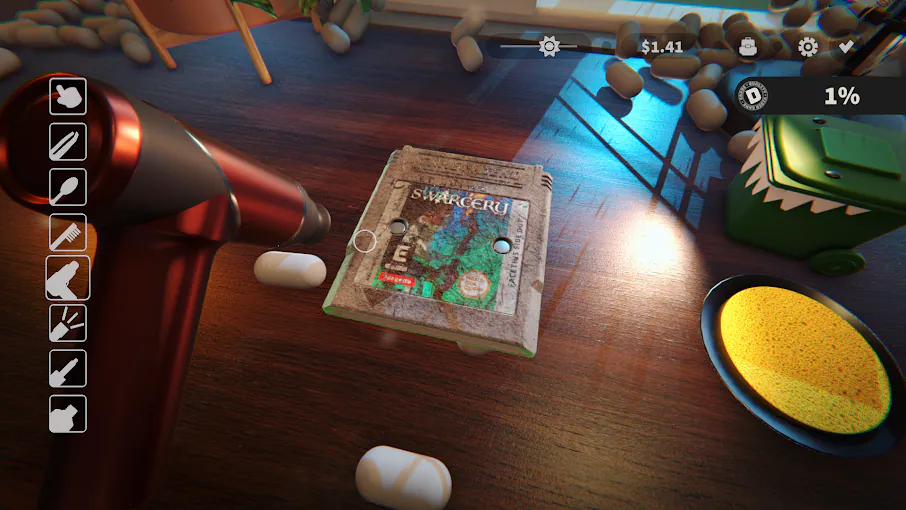
On the ROG Xbox Ally X, the controls make that repetition more noticeable. Using the analog sticks, a single cleaning job feels like it takes an eternity. Getting across all those little surfaces is slow enough that I start thinking about the input instead of enjoying the task. For a game whose main attraction is the feel of doing something simple, that is a pretty significant compromise.
Thankfully, the touchscreen makes cleaning quicker. Being able to work directly on the screen helps, but then I have to hold the Ally X in a weird way to reach everything comfortably. That gets tiring over longer sessions. I kept choosing between slower stick controls and a faster method that made the handheld less comfortable to hold. Neither option let me settle into the relaxed rhythm I wanted.
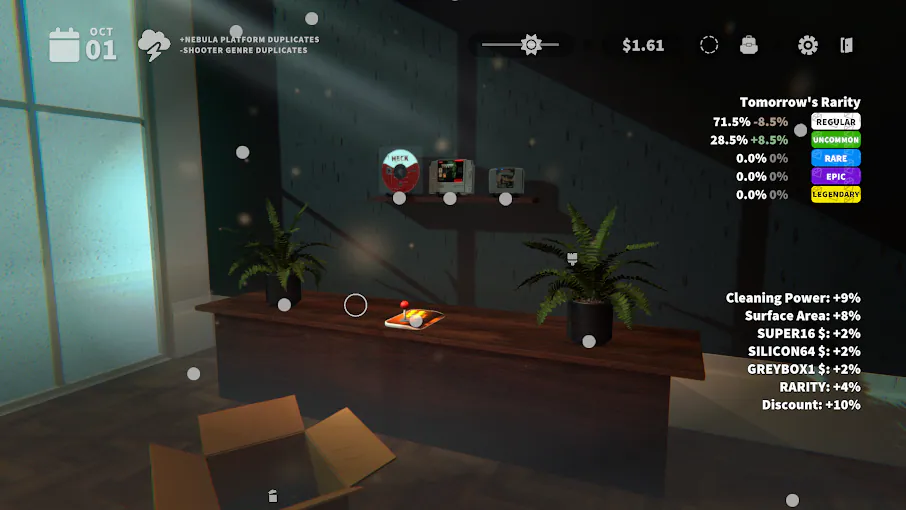
The bigger issue is the reward. There is a market where you can hold games or sell them for money, then spend that money buying more games. In my time playing, the daily allowance covered the games available that day, so trading rarely felt necessary. Decorating the collection room gives you another outlet, but a nicer wall did little to motivate me through another batch of restorations.
Shelf combinations can provide cleaning bonuses, but I missed the excitement of buying a better tool and immediately feeling the difference. Restore Your Island kept its cleanup loop moving with useful upgrades. Here, I kept wanting a stronger reason to return to the desk. Cozy Game Restoration is easy to enjoy in small doses, especially if you share my questionable enthusiasm for removing tiny bits of dirt. Those lovely first few cleanups still count for something. I just wish the hundred after them offered more to look forward to. Thanks for reading!