Best ROG Xbox Ally X accessories for portable PC gaming
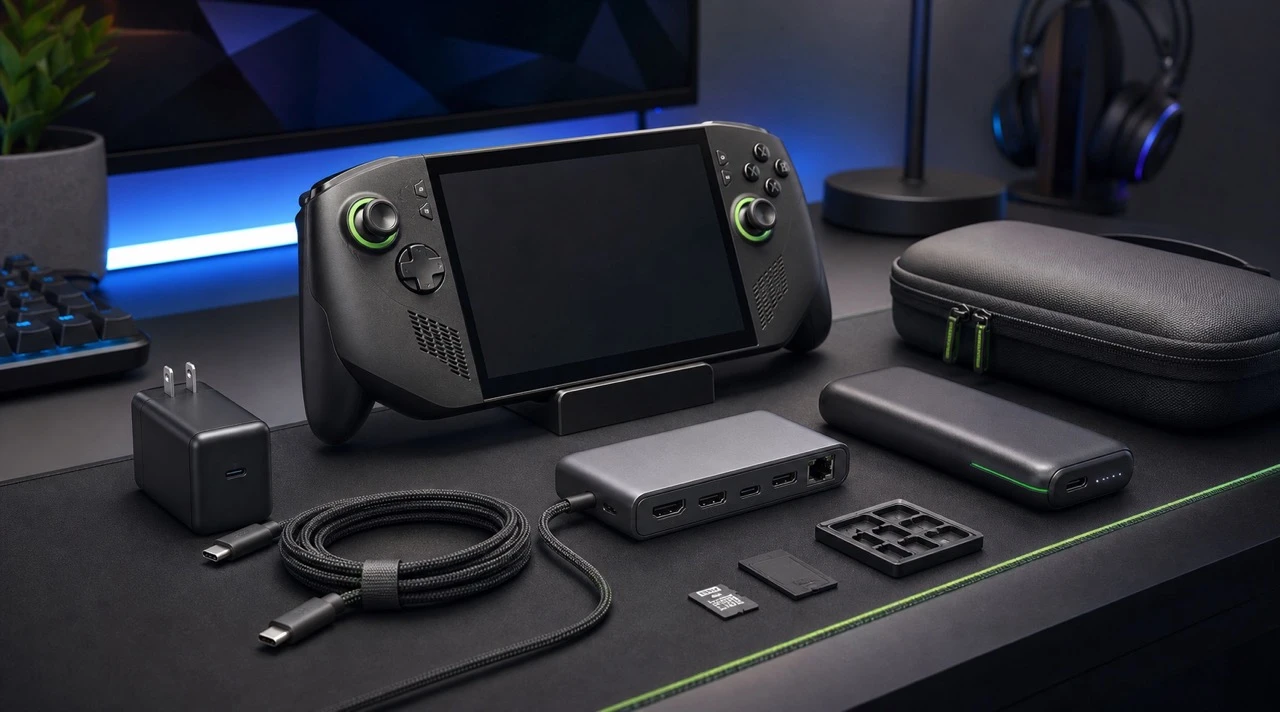
The best ROG Xbox Ally X accessories are a correctly rated USB-C charger and cable, a compatible dock, a fitted carrying case, a screen protector, and extra storage. Add a power bank if you travel and a separate controller if you regularly play while docked. Always confirm power delivery, port clearance, dimensions, and display support against the exact accessory listing before buying.
The same categories also matter for Steam Deck, Lenovo Legion Go, MSI Claw, and AYANEO devices, but physical fit and power requirements are not automatically interchangeable. A dock that works electrically may block a vent or fail to hold a thicker handheld securely, while a case or screen protector must match the exact model.
Browse Handhelds ↓This page is built as a simple accessory hub for handheld gaming owners. I will keep the list focused on products that solve real portable gaming problems: charging, docking, carrying, storage, display output, controller use, and setup convenience.
Affiliate note: Some links on this page may be affiliate links. If you buy through them, I may earn a small commission at no extra cost to you. Prices, stock, regional availability, and discounts can change, so always check the product page before buying.
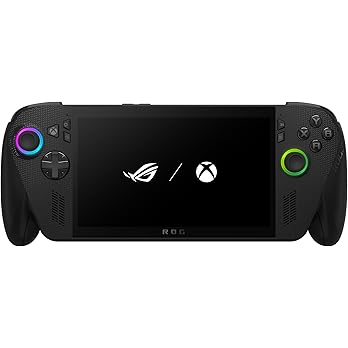
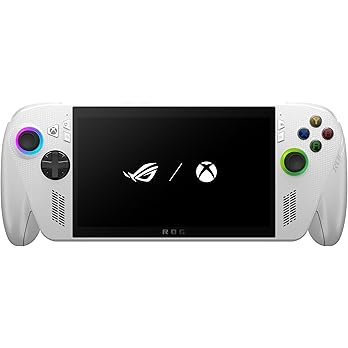
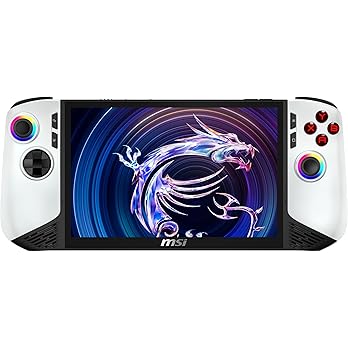
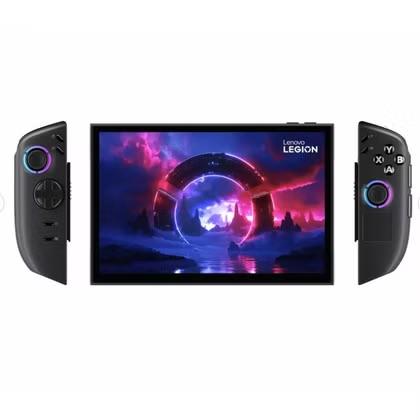
Handheld gaming PCs and consoles
6 handheld devices listed with Amazon links.
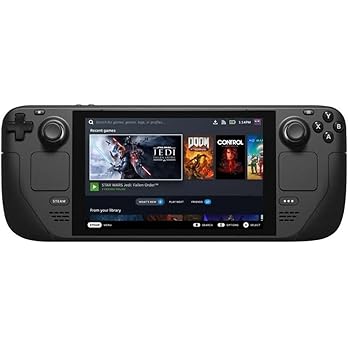
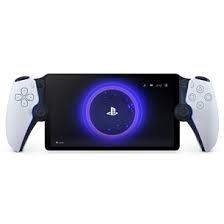
Handheld gaming accessories list
4 accessories listed for handheld PC gaming setups.
| Accessory | Best For | Link |
|---|---|---|
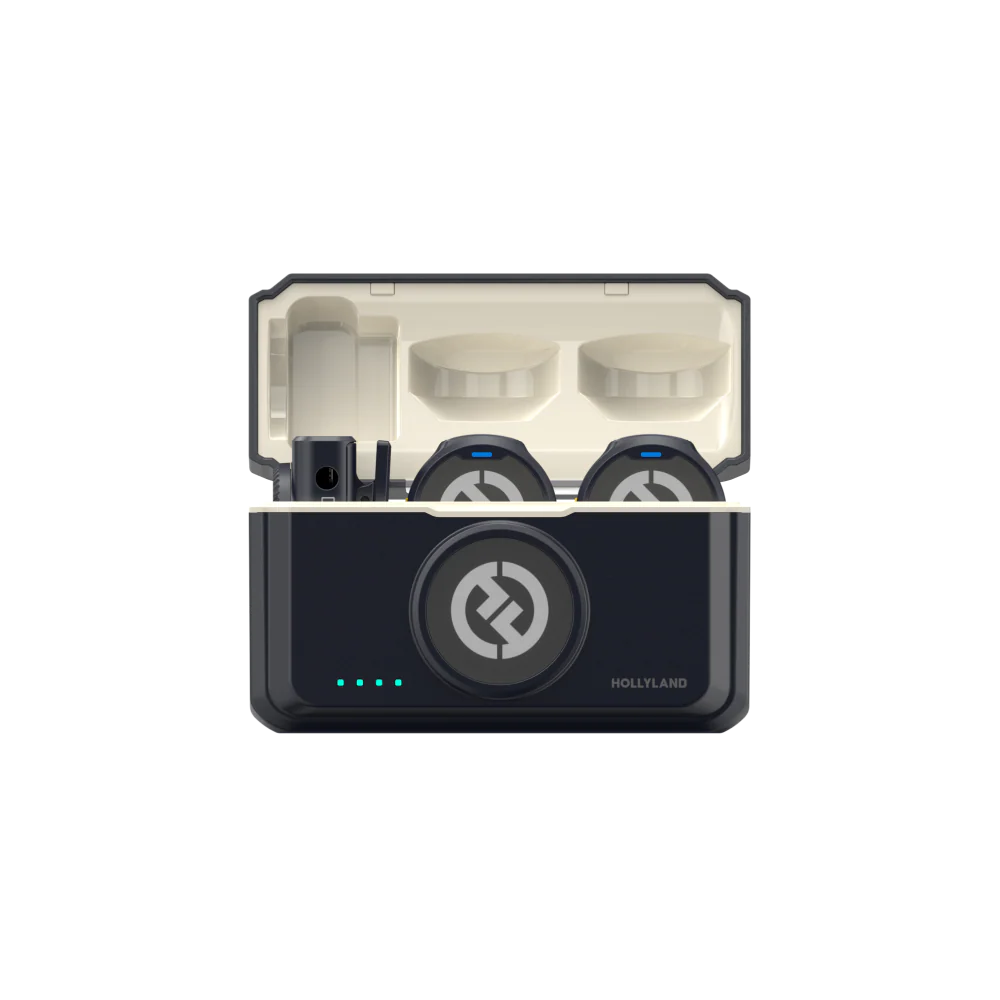 Hollyland LARK M2 Microphone Hollyland | Weighing just 9g, Hollyland LARK M2 wireless lavalier microphone is the lightest mini microphone on the market and a great addition to any content creator's toolkit. | Purchase |
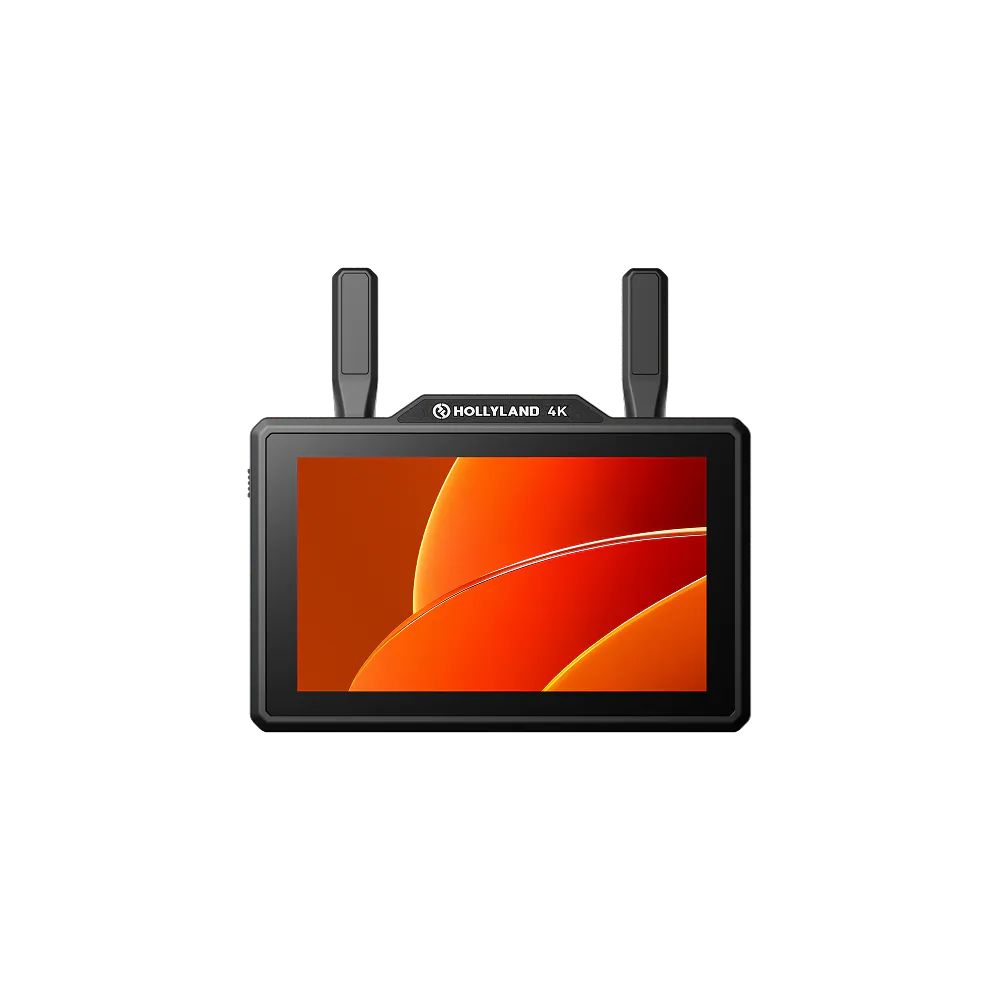 Hollyland Pyro 5 4K Hollyland | This 5.5-inch wireless monitor supports 4K input and output, low-latency video transmission, proxy recording, and RTMP streaming for creators building a portable ROG Xbox Ally X capture setup. | Purchase |
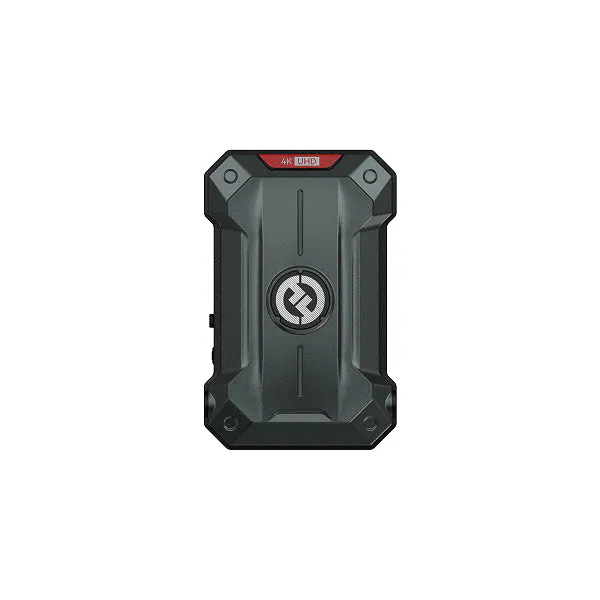 Hollyland Pyro Ultra 4K Transmitter Hollyland | Connect it through an HDMI-equipped dock to send ROG Xbox Ally X gameplay wirelessly to a Pyro Ultra receiver or production monitor for portable streaming and event setups. | Purchase |
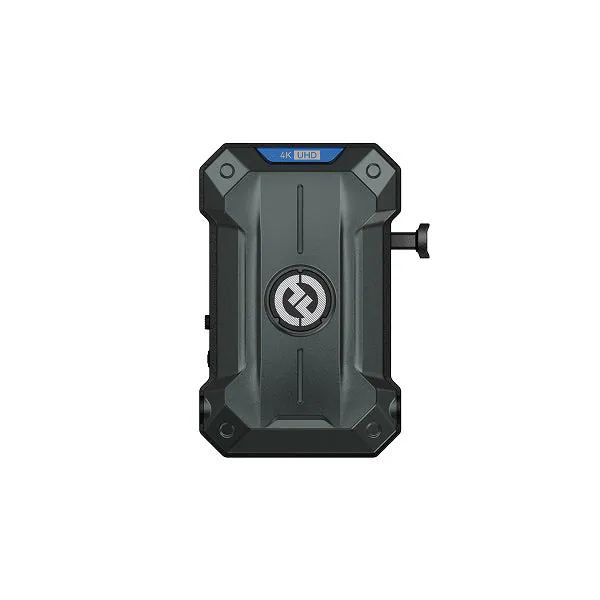 Hollyland Pyro Ultra 4K Receiver Hollyland | This receiver brings a Pyro Ultra transmitter's wireless 4K feed into an HDMI or SDI monitor and capture workflow, keeping a creator setup flexible and cable-light. | Purchase |
ROG Xbox Ally X accessories to buy first
| Accessory | Why it is useful | What to verify before buying |
|---|---|---|
| USB-C charger | Replaces or supplements the main charger at a desk or in a travel bag | USB-C Power Delivery output and included cable rating |
| USB-C dock or hub | Adds HDMI, USB ports, Ethernet, storage, keyboard, and mouse support | Power pass-through, display resolution and refresh rate, physical fit, and vent clearance |
| Fitted carrying case | Protects the handheld, sticks, and screen during storage or travel | Exact ROG Xbox Ally X compatibility and space for accessories |
| Screen protector | Reduces the risk of scratches during daily portable use | Exact screen dimensions and whether the protector affects touch response |
| Power bank | Extends play away from a wall outlet | USB-C PD output, capacity, airline limits, weight, and cable support |
| microSD card or external SSD | Adds room for large PC games and media | Supported capacity, interface speed, heat, and whether the game launcher supports the location |
| Bluetooth or USB controller | Makes docked TV and local multiplayer setups more comfortable | Windows compatibility, connection method, and charging requirements |
If games are the priority rather than hardware, see the best ROG Xbox Ally X games Duuro has tested.
Choosing the right handheld gaming device
Before buying accessories, it helps to know which handheld you are building around. Windows handhelds like the ROG Xbox Ally X and Lenovo Legion Go are flexible because they support many PC storefronts and launchers. Steam Deck is more console-like and easier to manage if most of your games are already on Steam. Screen size, battery life, operating system, storage, warranty support, and comfort matter more than raw specs for most players.
What handheld gaming accessories should you buy first?
If you are starting from zero, prioritize the accessories that remove friction from daily use. A fast USB-C charger and cable should come first because handheld PCs drain power quickly and benefit from reliable charging. A dock or USB-C hub is the next logical upgrade if you want to connect your handheld to a monitor or TV. After that, look at a carrying case, screen protector, microSD card, power bank, and controller depending on how and where you play.
For most players, the best handheld gaming accessory setup looks like this:
- USB-C charger for reliable charging at home or while traveling
- USB-C cable that supports the power and data speeds you need
- USB-C dock or hub for monitor, keyboard, mouse, Ethernet, and desktop use
- Carrying case for travel and safe storage
- Screen protector to reduce scratches during daily use
- Power bank for longer sessions away from a wall outlet
- microSD card or external SSD for more game storage
- Bluetooth controller for TV, docked, or multiplayer play
Handheld gaming accessory buying advice
Before buying any accessory, check the exact product specs. For chargers and power banks, confirm the USB-C power delivery output. For docks, make sure the dock supports the display output, refresh rate, and charging setup you want. For cables, avoid mystery cables with unclear wattage or data ratings. For cases, check that the shape works with your handheld and any grips or thumbstick covers you use.
The safest approach is to buy accessories around your actual setup. If you mostly play handheld, charging, travel, and protection matter most. If you often connect to a monitor, prioritize a dock, keyboard, mouse, and a controller. If you install a lot of large PC games, storage should move up the list quickly.
Frequently asked questions
Q: What is the best first accessory for a handheld gaming PC?
A: A reliable USB-C charger and cable should usually come first. They improve daily use immediately and are useful even when you are not playing games.
Q: Do I need a dock for a handheld gaming PC?
A: You do not need one for handheld play, but a dock is worth it if you want to use a Steam Deck, ROG Ally, ROG Xbox Ally X, Lenovo Legion Go, or another handheld with a TV, monitor, keyboard, mouse, Ethernet, or external storage.
Q: Can I use normal USB-C accessories with handheld gaming PCs?
A: Many normal USB-C accessories can work, but you should still check power delivery, data speed, display support, and compatibility before buying.
Q: What should I avoid when buying handheld gaming accessories?
A: Avoid underpowered chargers, charge-only cables, docks with unclear display support, oversized cases, and products that do not clearly list their USB-C specs.